
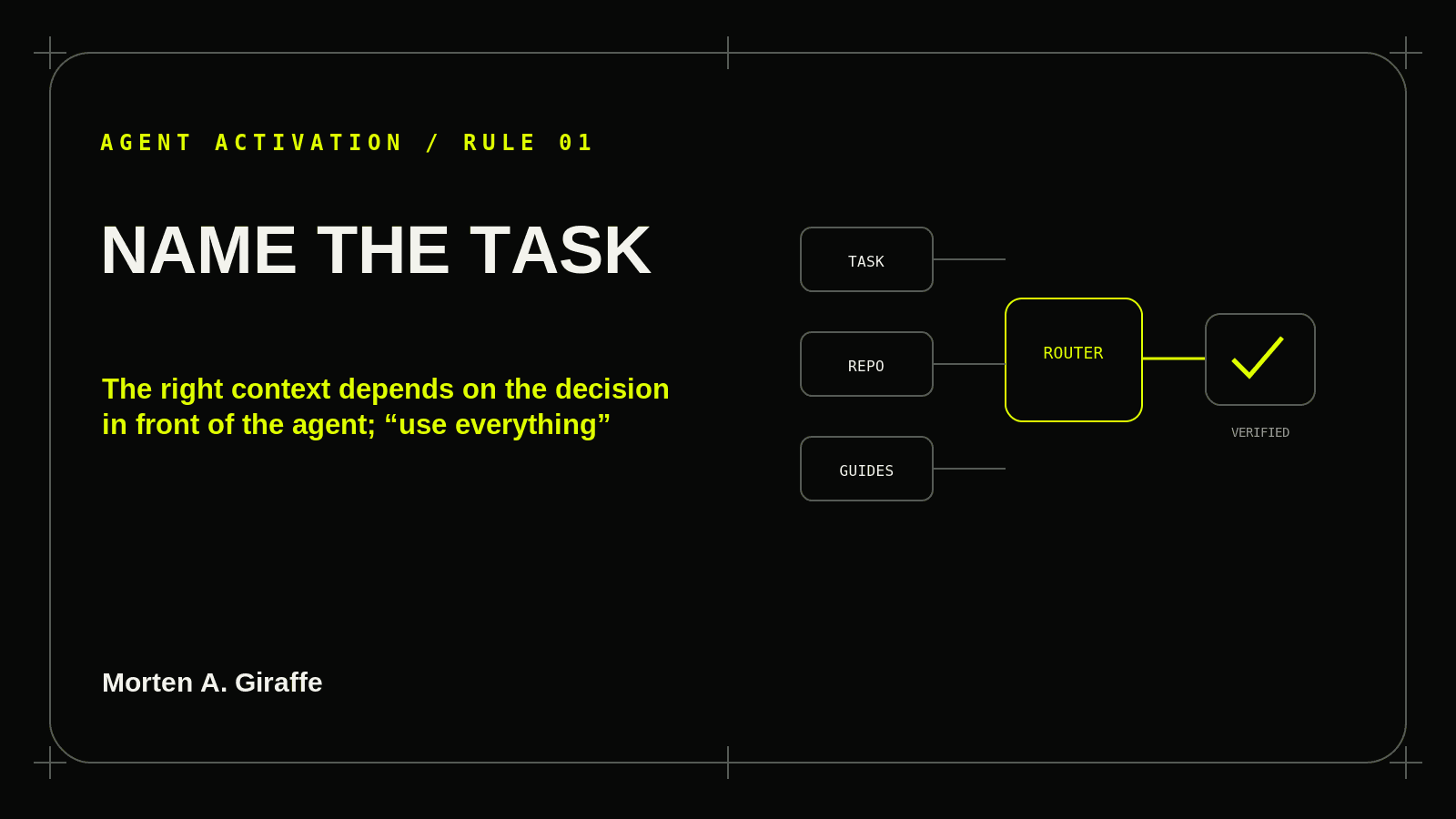
Name the Task Before Loading Context
The right context depends on the decision in front of the agent; “use everything” without a task boundary creates noise, contradictions, and accidental scope.
Read ruleJournal 06 / Agent Activation Guide
Eighteen rules for helping a coding agent load project truth, choose relevant guidance, respect authority, verify its work, and leave a handoff the next session can trust.
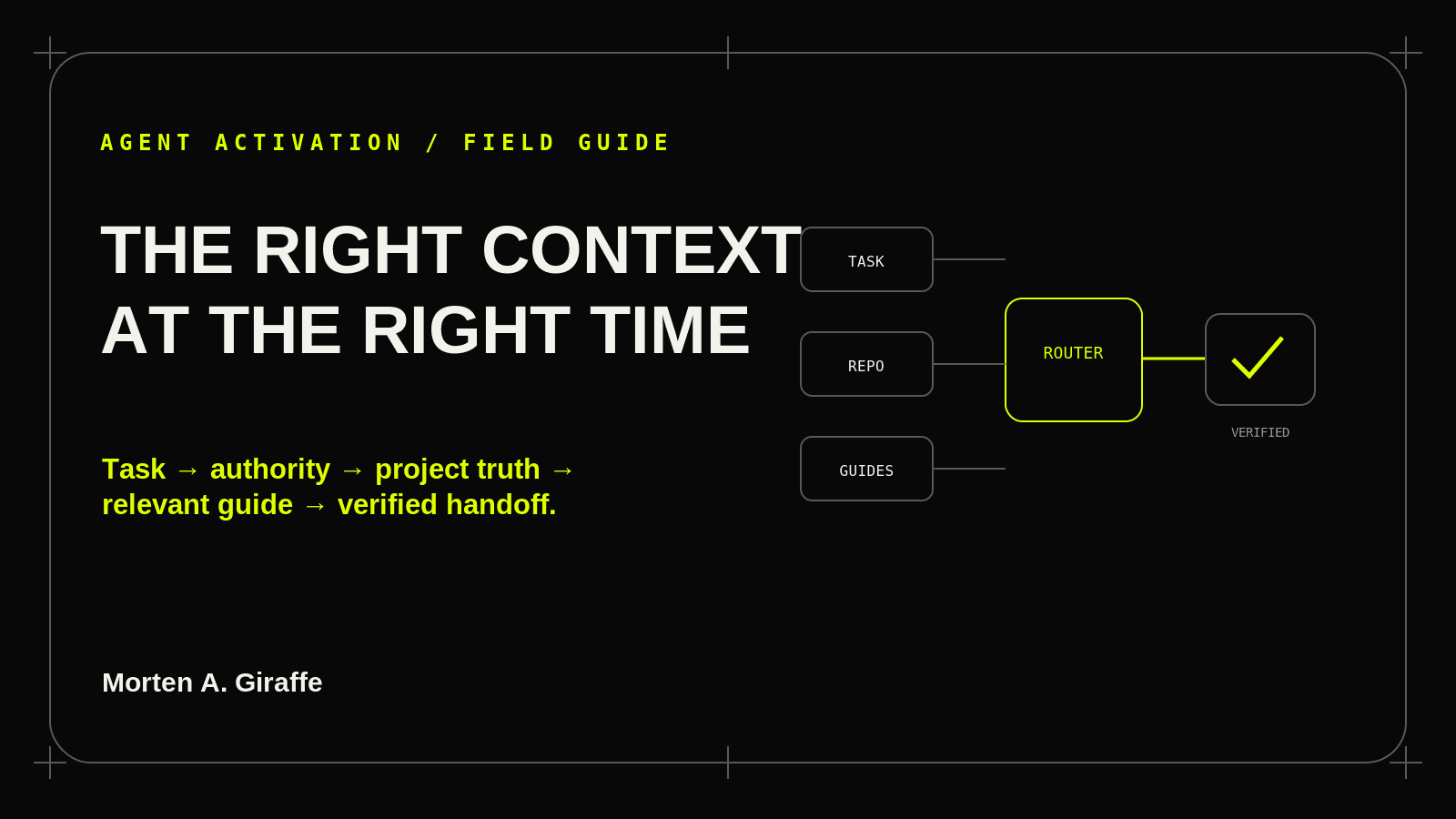
A public guide can improve judgment. It cannot authorize a production migration, erase a repository rule, or make an unsupported claim true.
Load the smallest set of references that can change the plan, implementation, verification, or safety boundary.
Each rule names a failure mode, a correction, a field test, a copy-ready prompt, and a verification checklist.
The right context depends on the decision in front of the agent; “use everything” without a task boundary creates noise, contradictions, and accidental scope.
Read rule
A public field guide is reference material. It must not override the user’s request, repository instructions, product requirements, security boundaries, or the project’s own design authority.
Read rule
The Journal explains principles and working patterns; the repository reveals the actual stack, routes, components, tokens, constraints, tests, and working behavior that must be preserved.
Read rule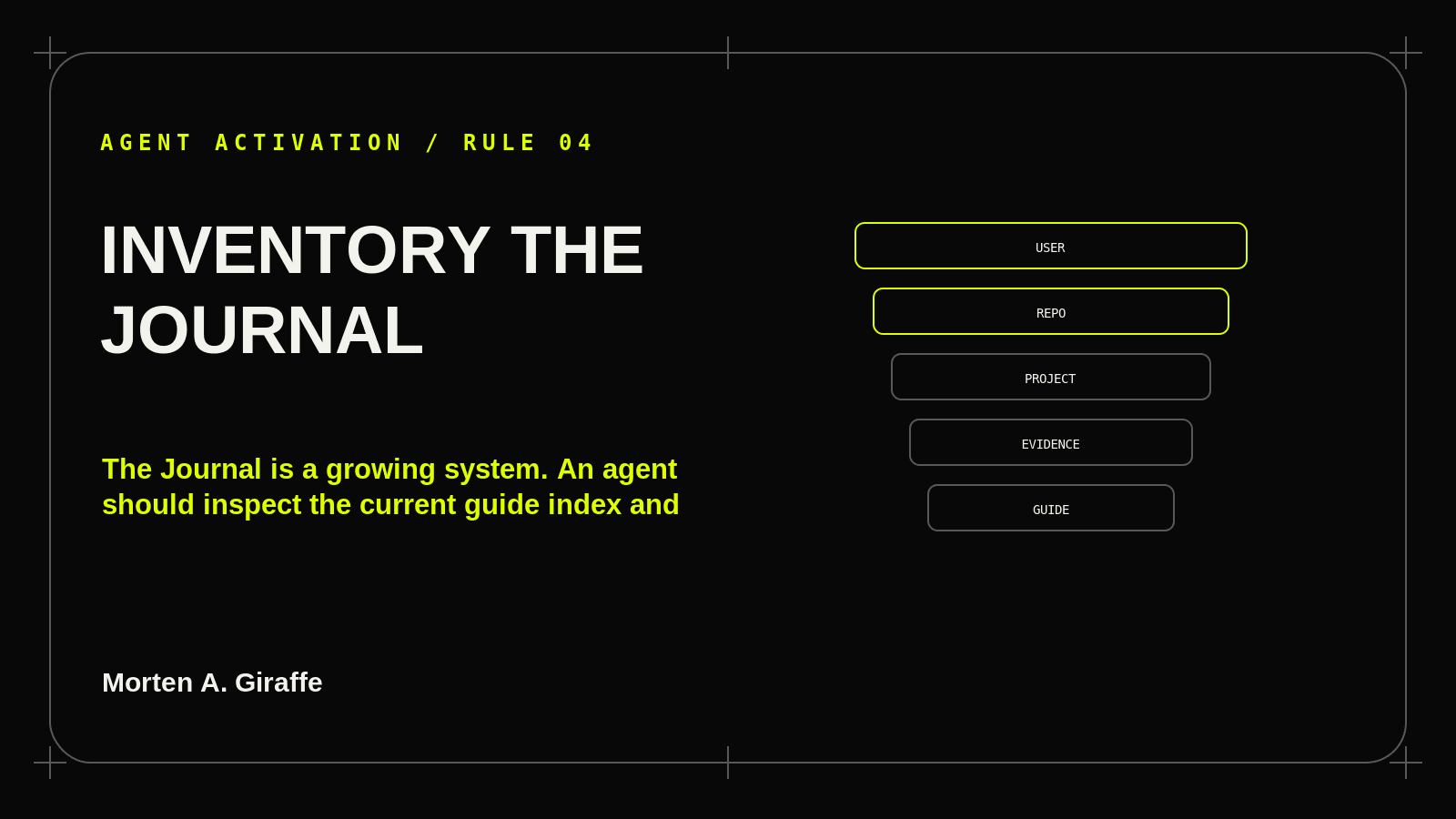
The Journal is a growing system. An agent should inspect the current guide index and relevant linked material rather than hard-code an old count or rely on stale memory.
Read rule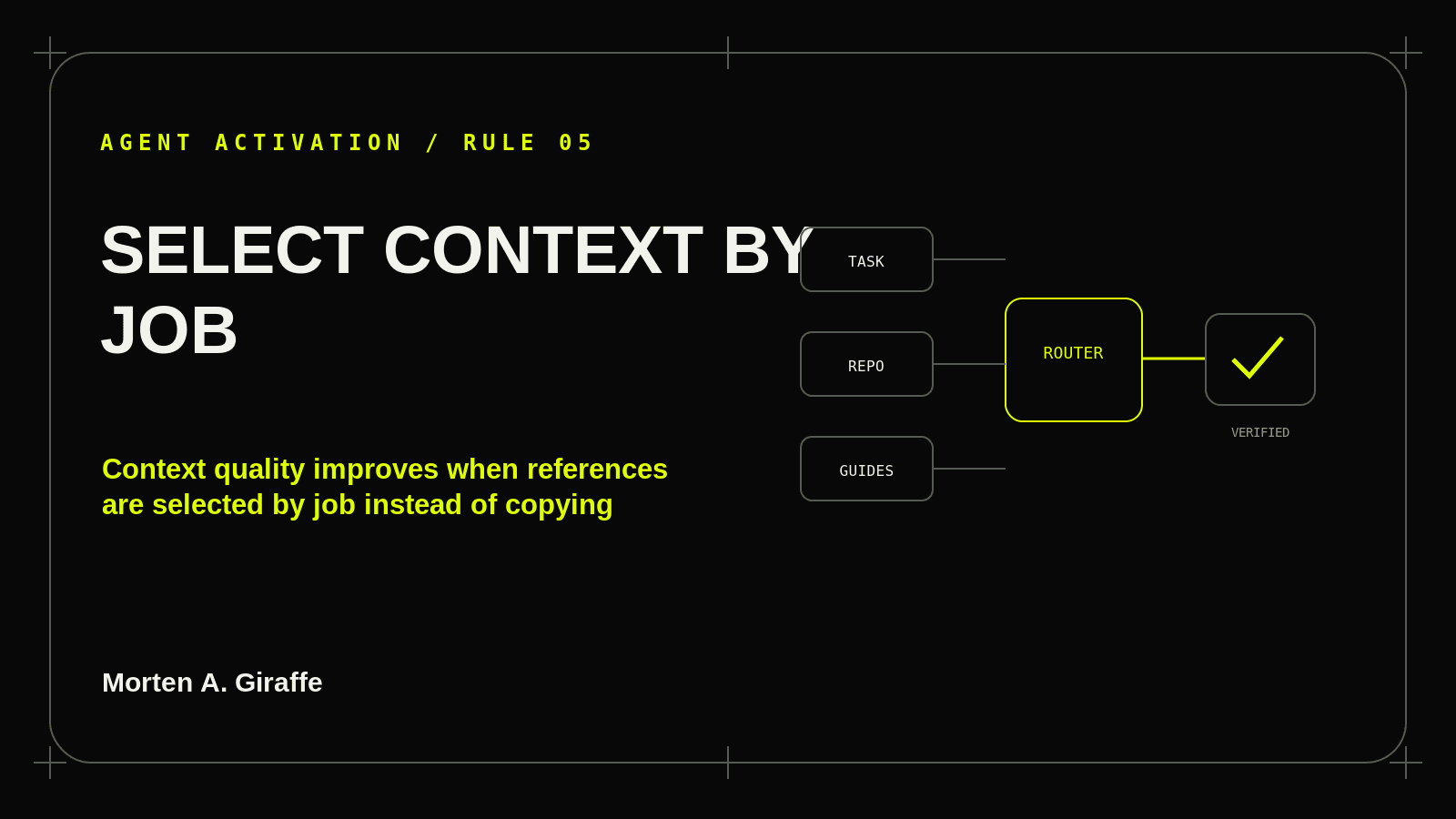
Context quality improves when references are selected by job instead of copying every article into every prompt.
Read rule
A model saying “I understand” is weak evidence. A context receipt makes missing, stale, conflicting, or unavailable sources visible before they affect the work.
Read rule
Product scope, architecture, data rules, implementation phases, working patterns, design authority, and current evidence need a durable home outside a chat transcript.
Read rule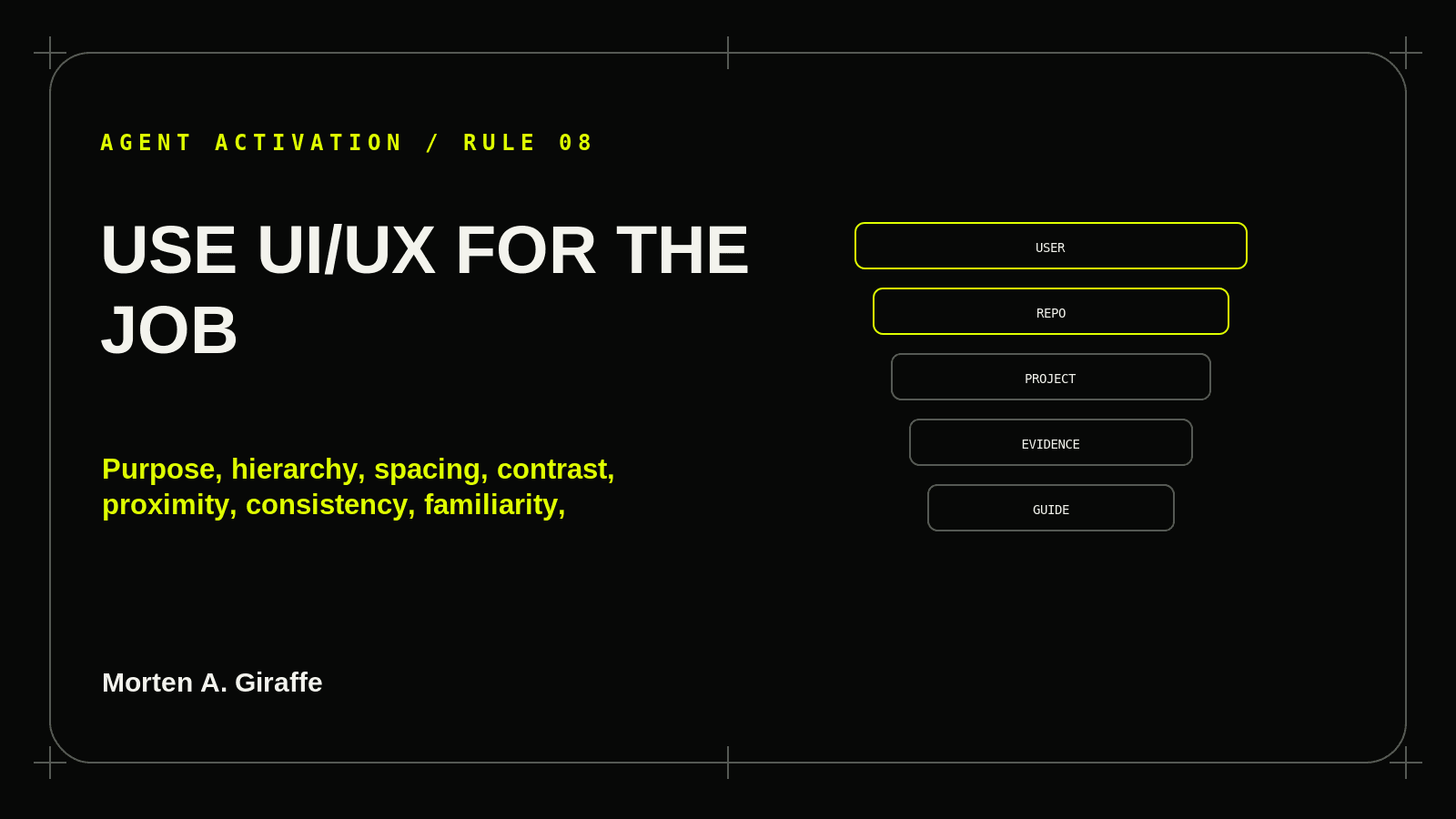
Purpose, hierarchy, spacing, contrast, proximity, consistency, familiarity, reach, choice, states, accessibility, responsiveness, trust, and measurement should serve a real user task rather than decorate a screenshot.
Read rule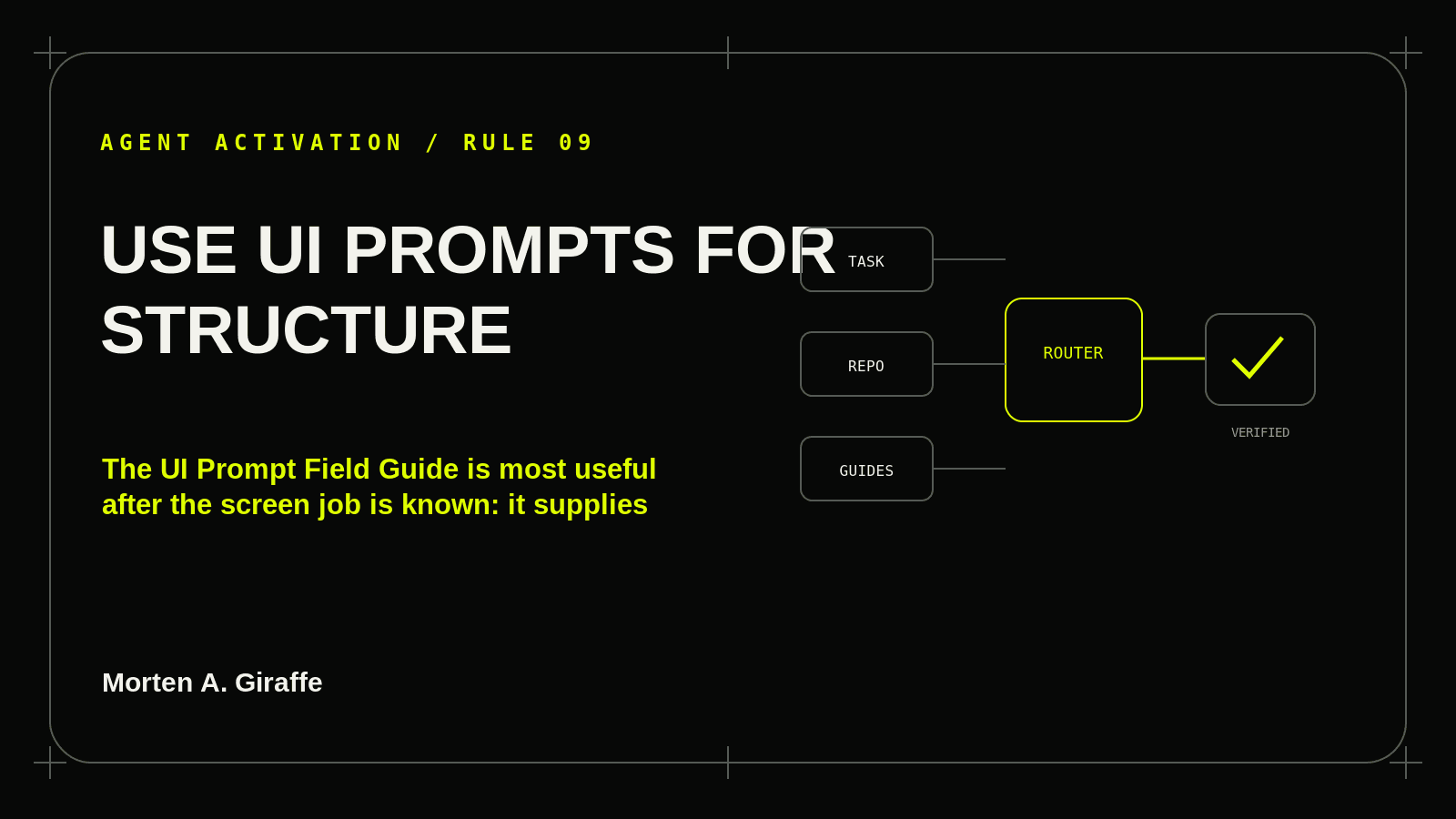
The UI Prompt Field Guide is most useful after the screen job is known: it supplies behavior, anatomy, states, access, responsive rules, and verification—not merely a visual motif.
Read rule
Public routes need truthful status, canonicalization, discoverable links, reliable rendering, metadata, structured data, media context, performance, accessibility, and release protection.
Read rule
A polished screen, passing build, success toast, or code path does not establish product health. Evidence must be tied to environment, role, journey, persistence, boundaries, and coverage.
Read rule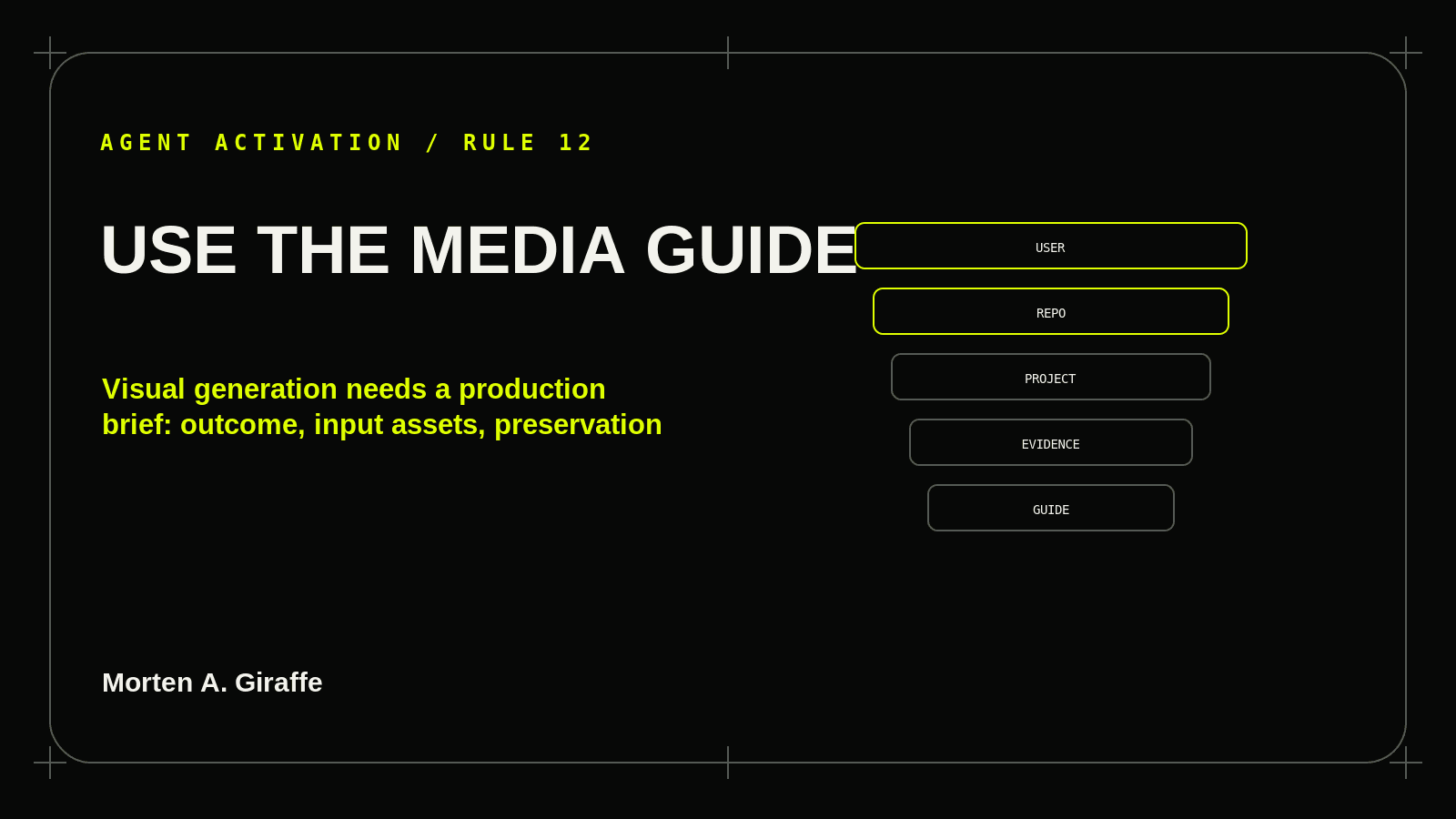
Visual generation needs a production brief: outcome, input assets, preservation rules, composition, camera, lighting, brand system, text, motion, output surface, and verification.
Read rule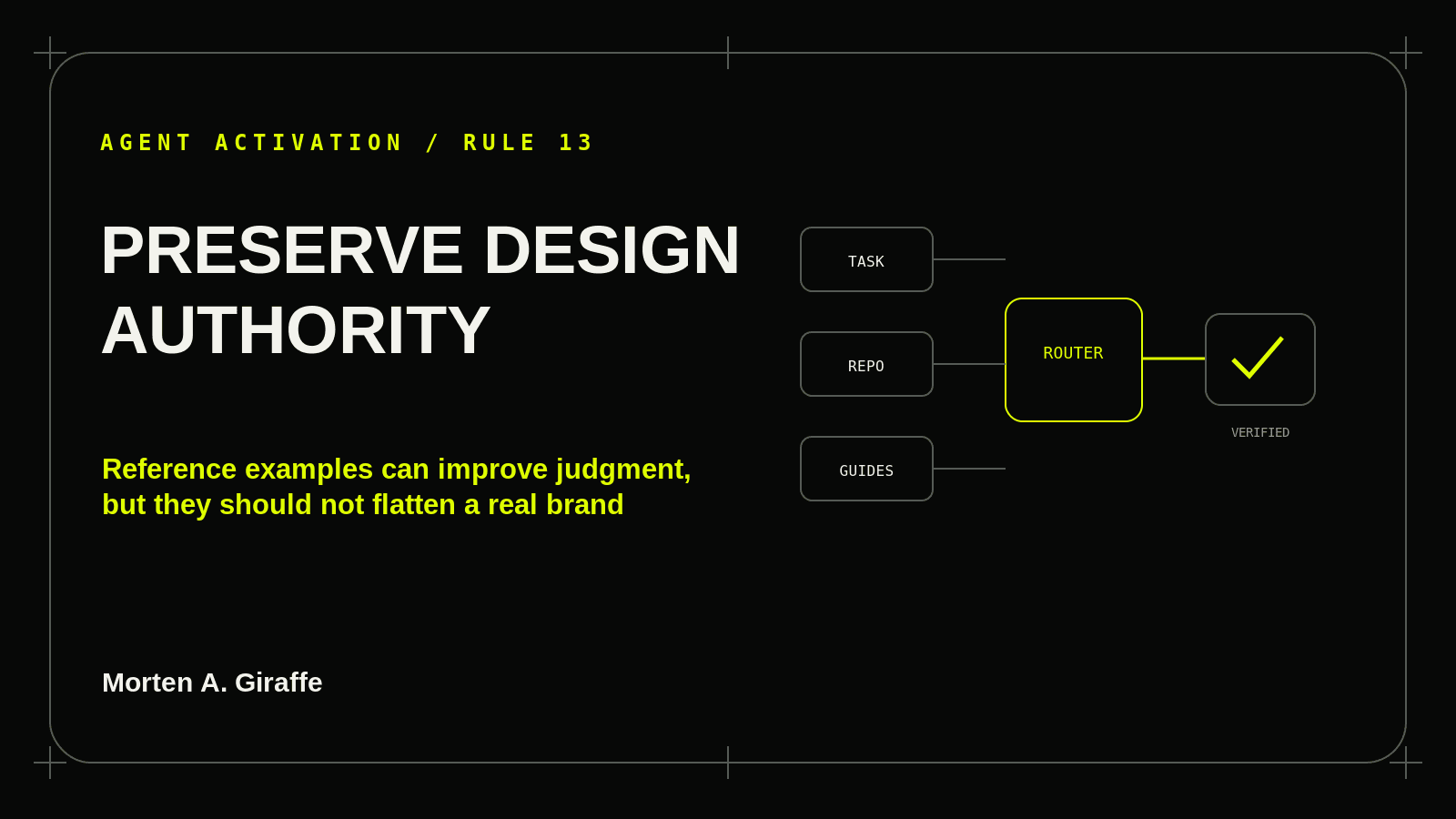
Reference examples can improve judgment, but they should not flatten a real brand into Morten A. Giraffe styling or a generic design trend.
Read rule
Loading, empty, partial, stale, disabled, denied, invalid, offline, success, error, keyboard, zoom, touch, reduced motion, and narrow screens determine whether an interface actually works.
Read rule
A design or feature enhancement is incomplete if it makes the product slower, exposes data, weakens authorization, increases unnecessary client work, or creates a fragile dependency.
Read rule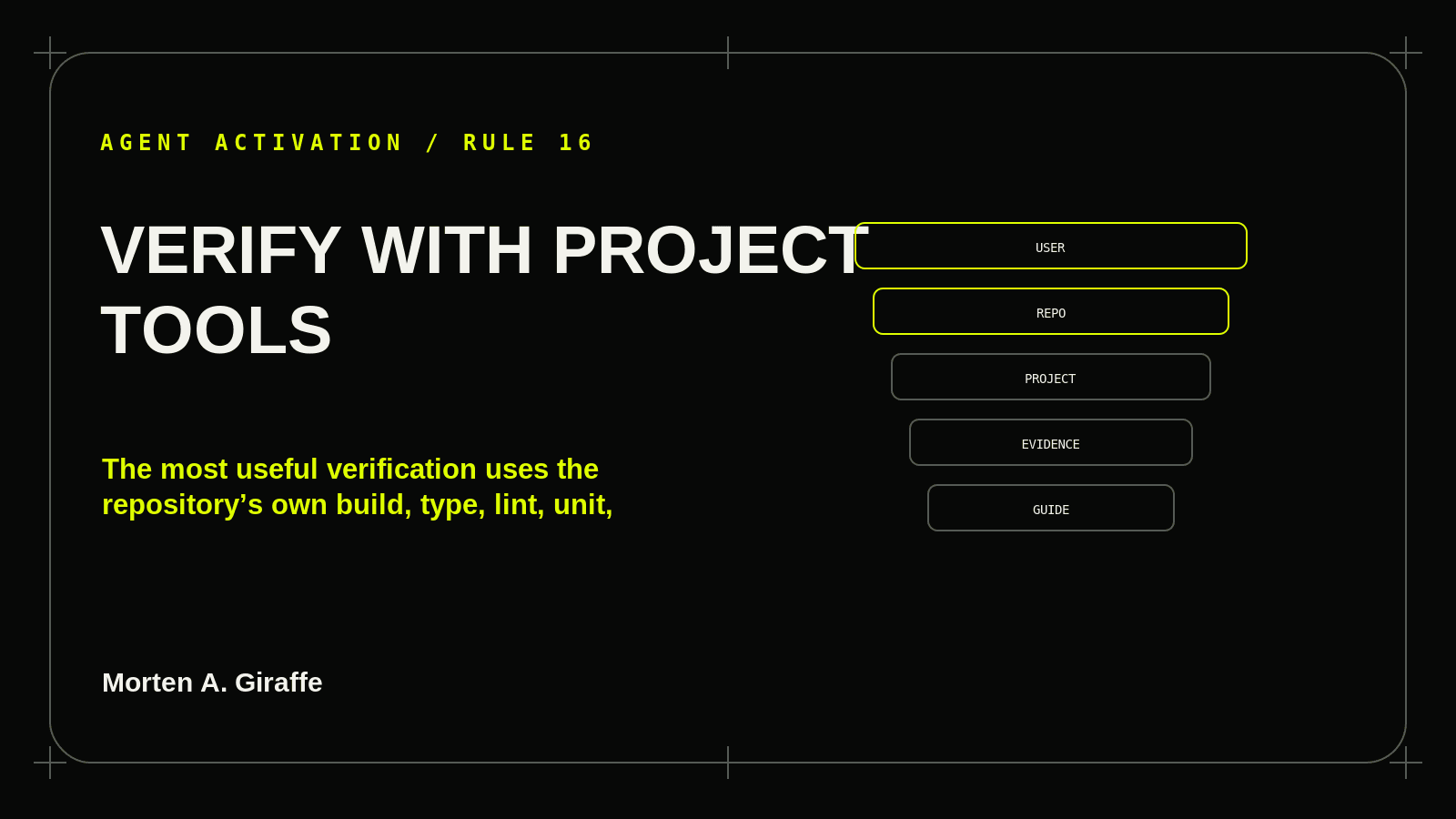
The most useful verification uses the repository’s own build, type, lint, unit, integration, browser, accessibility, and release tooling before adding another dependency or testing stack.
Read rule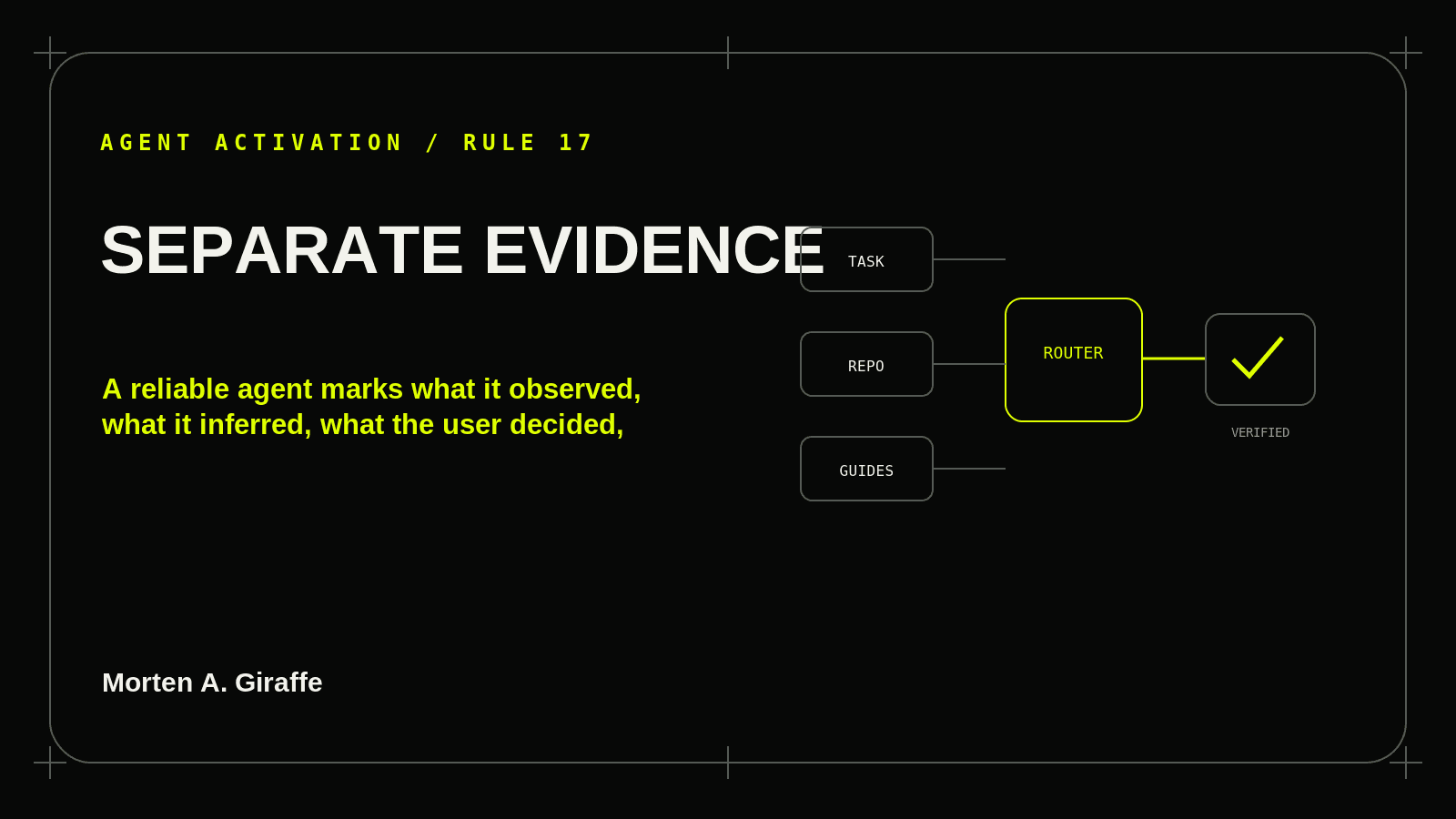
A reliable agent marks what it observed, what it inferred, what the user decided, what external sources support, and what remains unresolved.
Read rule
The work is not durable if the next session has to reconstruct scope, files changed, checks run, unresolved risks, permissions, and the next action from a long chat transcript.
Read ruleMaster activation prompt
The prompt stays tool neutral and sends the agent to the project’s real instruction mechanism.
You are working on a real project. Use the Morten A. Giraffe website and Journal as a **reference system**, not as a replacement for the project’s own truth.

## 1. Establish the task
Before broad research or editing, restate:
- specific user / audience;
- desired outcome;
- affected product surface or system;
- permitted actions;
- closed gates or actions that require approval;
- observable evidence of completion.

## 2. Establish authority
Use this precedence unless the user explicitly says otherwise:
1. explicit current user instructions;
2. applicable system/tool/repository instructions;
3. maintained project requirements, architecture, data rules, design authority, and current-state documentation;
4. current implementation and reproducible evidence;
5. relevant Morten A. Giraffe guidance;
6. other external reference material.

Do not silently resolve material conflicts. Report them.

## 3. Inspect project truth first
Begin read-only.
Read the repository instruction chain your tool supports.
Inspect only the project files needed to establish stack/runtime, routes/modules, components/tokens, design authority, data/server boundaries, tests/scripts, current phase/progress, and working behavior that must be preserved.

Do not create duplicate documentation or parallel design systems when maintained authorities already exist.

## 4. Discover the current Morten A. Giraffe system
If web access is available, open:
https://www.mortenagiraffe.com/journal

Inventory the currently published guides and specialist articles. Do not assume a historic guide count.

Choose references by task:
- **The Four Questions** → clarify offer, audience, problem, reason to choose.
- **UI/UX Field Guide** → page/screen job, hierarchy, spacing, contrast, proximity, consistency, familiarity, choice, feedback, recovery, accessibility, responsiveness, trust, measurement.
- **UI Prompt Field Guide** → implementation-ready interface patterns, anatomy, states, access, responsive behavior, and verification.
- **Technical SEO Field Guide** → public routes, crawl/index/rendering truth, metadata, structured data, media, Core Web Vitals, AI-search readiness, release checks.
- **Product Audit Field Guide** → repository/release identity, feature coverage, auth, persistence, journeys, states, database/network/runtime, security/privacy, commercial assumptions, regression evidence.
- **Context Engine** → product scope, architecture, schema/data rules, implementation plan, system patterns, DESIGN authority, current progress/handoff.
- **AI Image & Video Prompt Field Guide** → visual brief, references, preservation, composition, camera, lighting, brand, typography, edits, motion, export, QA.
- **Other Journal articles/tools** → use only when the task directly matches.

Load only references that can materially change the current task.

## 5. Produce a context receipt
Before editing, report:
- project instructions read;
- project source-of-truth files read;
- Morten guides/pages read;
- external documentation read;
- missing/unavailable context;
- contradictions;
- assumptions;
- why each loaded source matters.

“I know the guide” is not a receipt.

## 6. Apply the relevant systems

### Product / scope
Use project requirements and Context Engine responsibilities to define the outcome and out-of-scope work.

### Interface
For every important screen:
“This screen helps [specific user] do/understand [specific thing] so they can [specific next action].”

Apply only relevant UI/UX rules.
Choose a UI Prompt pattern because it fits the job, not because it looks fashionable.
Use the project’s real design tokens/components; do not copy Morten A. Giraffe’s visual identity into another product unless explicitly requested.

### Public/indexable pages
State expected URL, status, index state, canonical, primary rendered content, metadata, structured data, internal links, media behavior, and release checks.

### Product-health work
Audit read-only first. Separate confirmed defect, suspected risk, UX friction, incomplete capability, documentation drift, and evidence gap. Do not confuse severity with confidence.

### Visual/media work
Choose text-to-image, image-to-image, edit, text-to-video, or image-to-video intentionally.
State what may change and what must remain unchanged.
For image-to-video, focus on subject/environment/camera motion and temporal behavior rather than restating the input frame.

## 7. Anti-AI-slope rule
Do not default to generic SaaS composition, random gradient/glow/glass treatment, oversized rounded cards, cards inside cards, excessive pills, decorative icon circles, meaningless bento grids, fake metrics/testimonials/logos, filler copy, giant empty spacing, motion without state meaning, or invented proof.

## 8. Complete-state rule
Where relevant, design and verify:
idle · hover/focus · loading · success · empty · partial/stale · disabled · validation error · server error · offline/retry · permission/locked.

Preserve valid user input after recoverable errors.

## 9. Accessibility / responsive rule
Use semantic HTML and existing accessible primitives.
Verify keyboard, visible focus, logical order, accessible names, contrast, reduced motion, touch, narrow phone, tablet, desktop, long content, and 200% zoom/reflow as relevant.

Responsive design preserves the task; it does not squeeze desktop.

## 10. Performance / security / privacy rule
Review only the boundaries affected by the work, but do not ignore them.
Avoid unnecessary dependencies and client JavaScript.
Protect authorization, tenant/data isolation, secrets, logs, private media, payload size, caching boundaries, and resource cleanup.
No destructive or exploitative testing without explicit authority.

## 11. Verification
Use the project’s existing relevant checks first:
build · typecheck · lint · unit · integration · E2E/browser · accessibility · performance · metadata/SEO · release checks.

Record exact checks and results.
Fix regressions caused by your work.
Do not use one passing check as proof of the whole product.

## 12. Evidence discipline
Separate observed fact, user decision, external source-backed fact, inference, assumption, hypothesis, simulation/example, and unknown.

Never invent research, approvals, metrics, customer statements, test results, deployment state, or security claims.

## 13. Completion report
Before calling the task complete, report:
1. task/screen/page job;
2. project sources read;
3. Morten references used and why;
4. files changed;
5. behavior preserved;
6. decisions made;
7. UI/UX/accessibility/responsive rules applied where relevant;
8. public-page/SEO checks where relevant;
9. tests/checks run with results;
10. remaining unknowns / production-only checks;
11. documentation/progress updated;
12. one exact next action.

Never claim “bug free,” “fully accessible,” “perfectly secure,” “SEO guaranteed,” or “regression free” without evidence.

Optional reference:
https://www.mortenagiraffe.com/journalDated 2026-10-23. Tool behavior changes; the authority and evidence rules remain stable.
Codex uses applicable AGENTS.md files. Claude Code uses CLAUDE.md and project memory. Cursor uses project rules or AGENTS.md. Gemini CLI uses GEMINI.md. Windsurf/Cascade uses AGENTS.md plus Rules and Memories. No single filename activates every tool.
The complete adapter notes remain included in the guide source and are grounded in the official links below.
# Tool Adapters — Verified 2026-10-23

The master activation prompt is tool-neutral. Use the native project-instruction mechanism supported by the coding agent rather than pretending one filename activates every tool.

## Codex
Use applicable `AGENTS.md` files for repository instructions. Reusable workflows may be packaged as skills when appropriate.
Sources:
- https://developers.openai.com/codex/agent-configuration/agents-md
- https://developers.openai.com/codex/build-skills

## Claude Code
`CLAUDE.md` and Claude Code memory provide project context. Treat model context as guidance; enforce critical action boundaries with actual permissions/tool controls where needed.
Source:
- https://docs.anthropic.com/en/docs/claude-code/memory

## Cursor
Project Rules live in `.cursor/rules`; `AGENTS.md` is also supported as a simpler project-instruction format. Keep rules focused and point to canonical project files instead of copying entire manuals.
Source:
- https://cursor.com/docs/rules

## Gemini CLI
`GEMINI.md` context files provide hierarchical project instructions.
Source:
- https://google-gemini.github.io/gemini-cli/docs/cli/gemini-md.html

## Windsurf / Cascade
`AGENTS.md` provides directory-scoped instructions; Rules and Memories provide persistent customization.
Sources:
- https://docs.windsurf.com/windsurf/cascade/agents-md
- https://docs.windsurf.com/windsurf/cascade/memories

## Generic agents
If no persistent instruction mechanism exists:
1. paste the master activation prompt;
2. attach/link project source-of-truth documents;
3. provide exact task and permissions;
4. require a context receipt;
5. require evidence-based completion.

Do not assume an agent automatically browses the Morten A. Giraffe website or reads linked files. Make the load step explicit.