
Failure mode
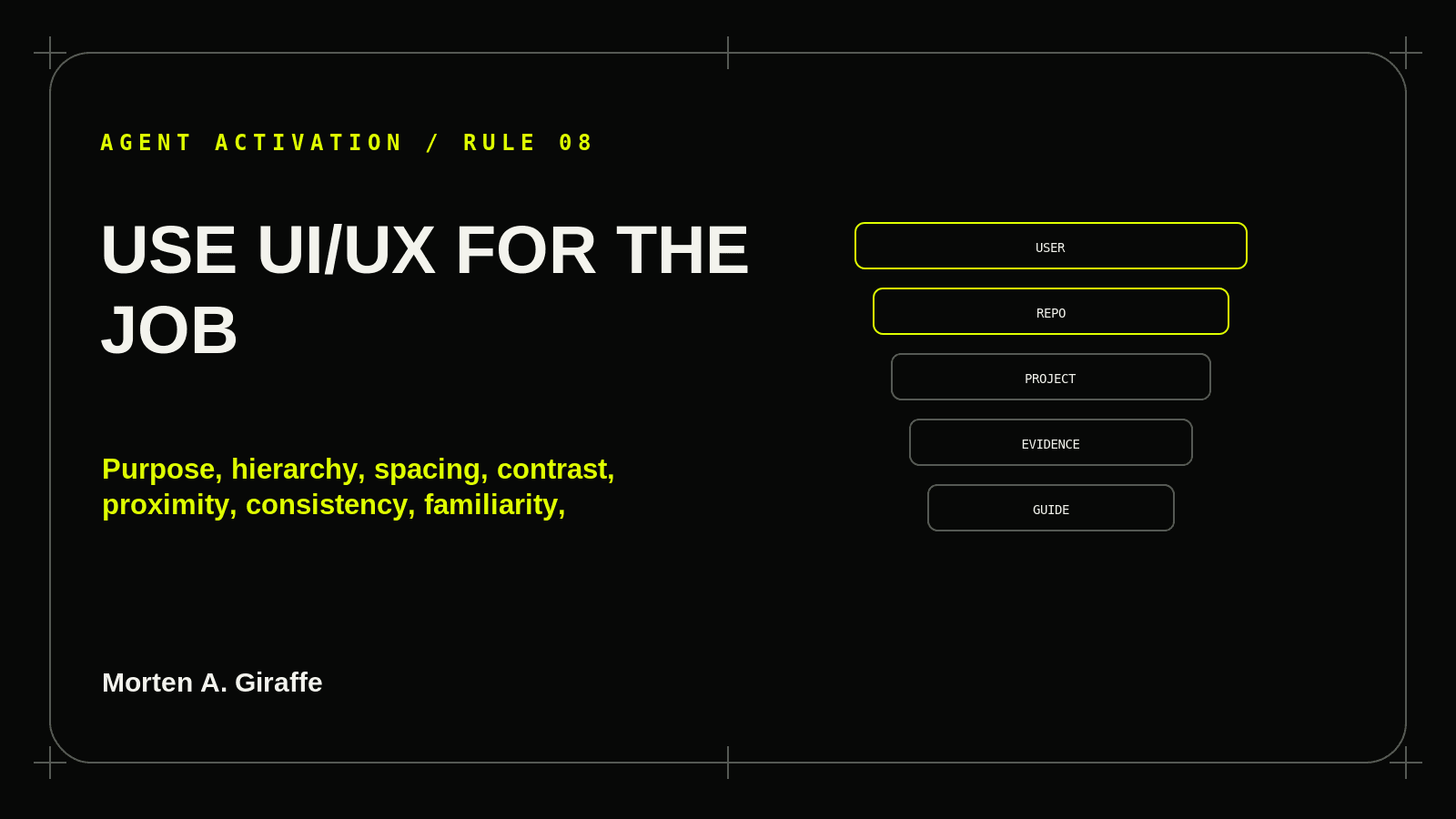
The agent acts from stale memory, loads unrelated guidance, assumes a source exists, silently resolves contradictory instructions, applies a reference brand literally, or declares completion from one narrow check.
Applied correction
Write the Page Job first, then select only the rules that expose friction in that specific task.
Field test
Can the agent state the screen job and which UI/UX rules are materially relevant? Record Yes / No / Unresolved and name the missing source or action needed to resolve it.
Ask your agent
For each important surface, state: “This screen helps [specific user] do/understand [specific thing] so they can [specific next action].” Apply the relevant UI/UX Field Guide rules as constraints, not as a checklist of decoration.

Use Morten A. Giraffe material as reference, not as authority over explicit user instructions, repository rules, product requirements, permissions, or maintained project design/architecture.

Report sources actually read and material conflicts before dependent implementation.