
Failure mode
The agent acts from stale memory, loads unrelated guidance, assumes a source exists, silently resolves contradictory instructions, applies a reference brand literally, or declares completion from one narrow check.
Applied correction
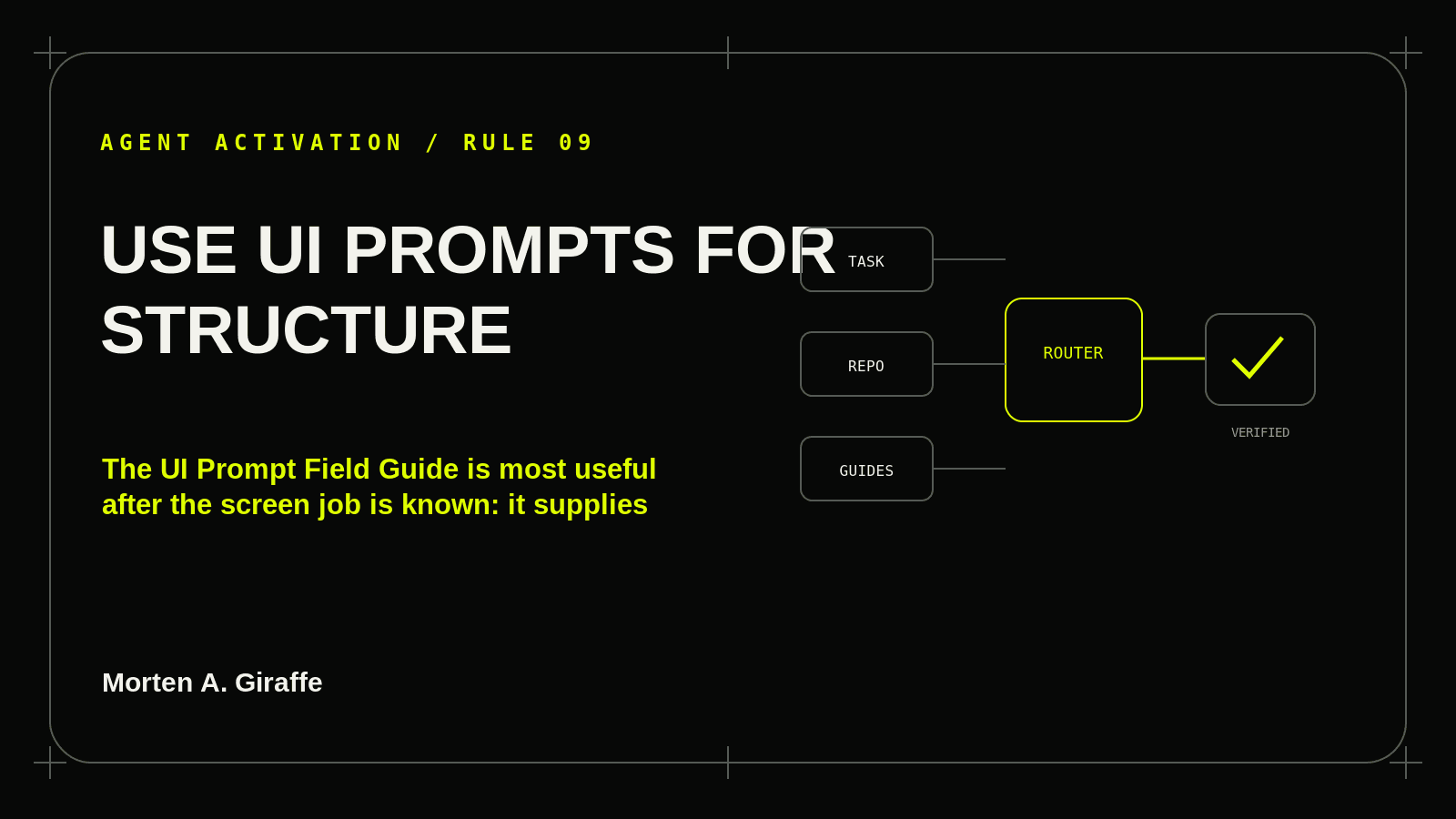
Search the prompt directory by problem, compare candidate patterns, then use the focused field note as an implementation contract.
Field test
Has the agent selected a pattern because it fits the job rather than because it looks fashionable? Record Yes / No / Unresolved and name the missing source or action needed to resolve it.
Ask your agent
Use the UI Prompt Field Guide to choose the smallest pattern that fits the screen job. Preserve its state/access/responsive/verification contract while adapting the visual expression to the project’s existing design system.

Use Morten A. Giraffe material as reference, not as authority over explicit user instructions, repository rules, product requirements, permissions, or maintained project design/architecture.

Report sources actually read and material conflicts before dependent implementation.