
Notes for websites that need to work.
Practical field guides for clearer interfaces and discoverable websites. Explore eighteen UI/UX rules and eighteen technical SEO checks, with evidence, examples, and a useful next step for each.
A Good-Looking Website Is Not Enough
Start with the complete guide, then use the chapter pages when one rule needs a deeper teardown, rebuild pattern, field test, and source trail.
Open the guide
Search Cannot Use What It Cannot Reach
Eighteen evidence-based checks for crawlability, indexation, rendering, performance, structured data, AI search visibility, and release monitoring.
Start with the complete audit model, then open one chapter for the scenario, evidence, rebuild, field test, prompt for your AI, and source trail.
Open the technical SEO guide
Find your next chapter.
Start with the experience people use, or the systems that help them find it. Each chapter focuses on one decision.
UI/UX Field Guide
Make it understandable
Purpose, hierarchy, space, contrast, proximity, consistency, and familiarity.

Purpose Before Polish: Give Every Page One Job
Use a page job card to decide what a visitor should understand and do before the layout starts showing off.

Visual Hierarchy: Make the Decision Order Visible
Turn visual emphasis into a readable decision order rather than a competition for attention.
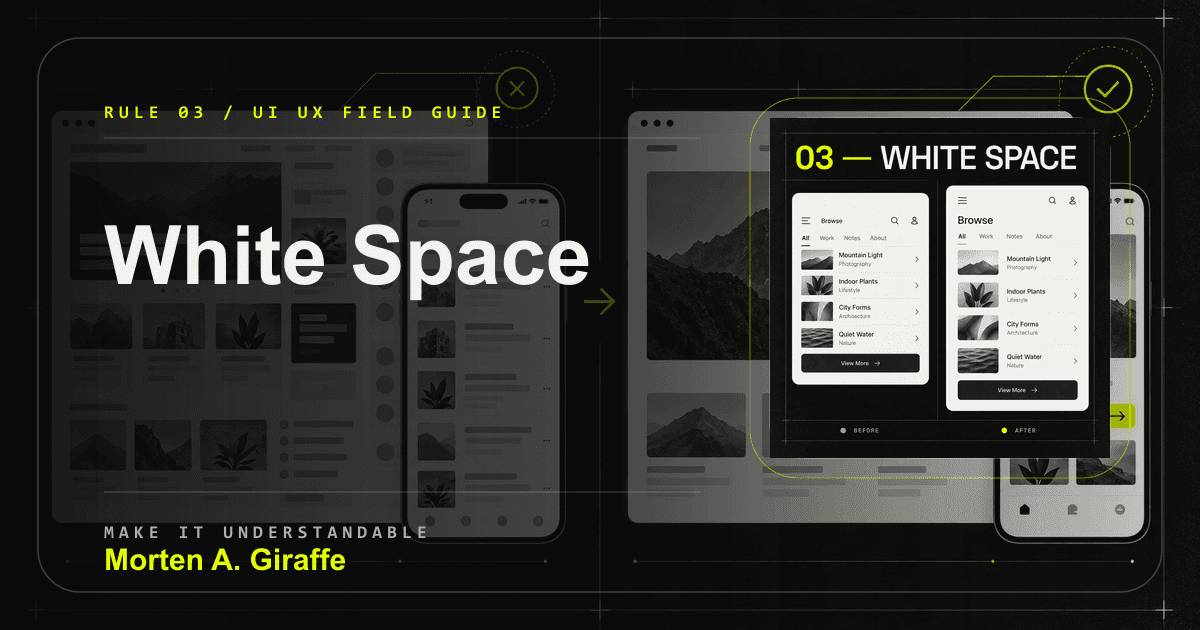
White Space Is a Relationship Tool
Use space to show relationship, sequence, and pace instead of treating it as leftover emptiness.
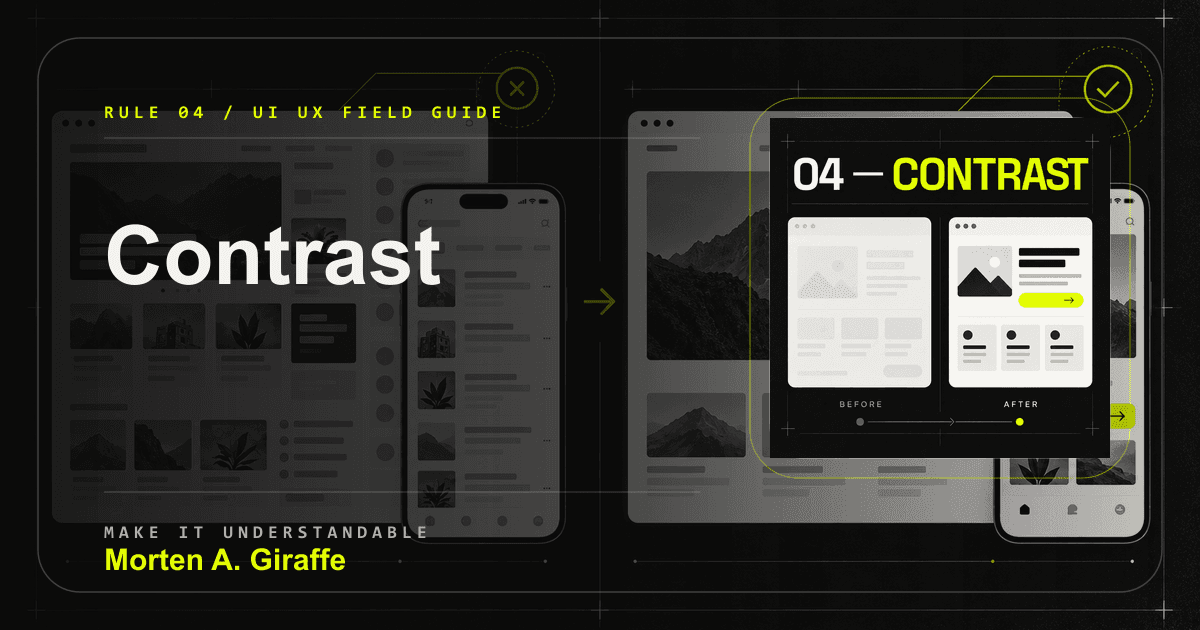
Contrast Should Explain What Is Different
Use contrast as a meaning system for text, state, action, focus, and separation.
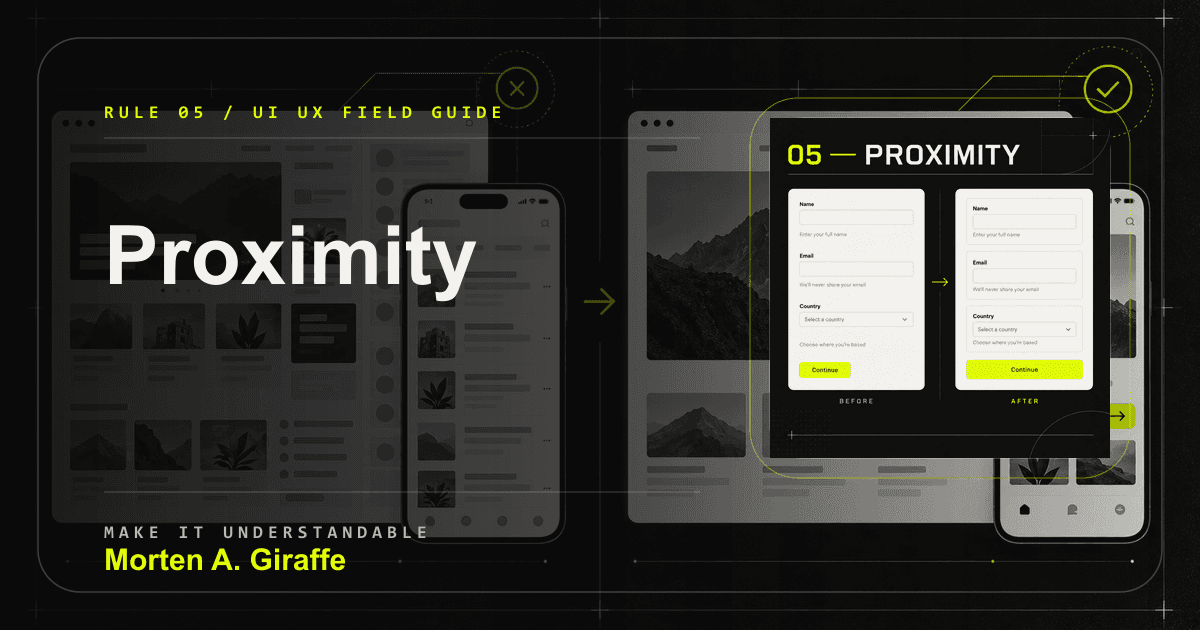
Proximity: Make Relationships Visible
Make labels, controls, messages, cards, and actions visually own the right things.
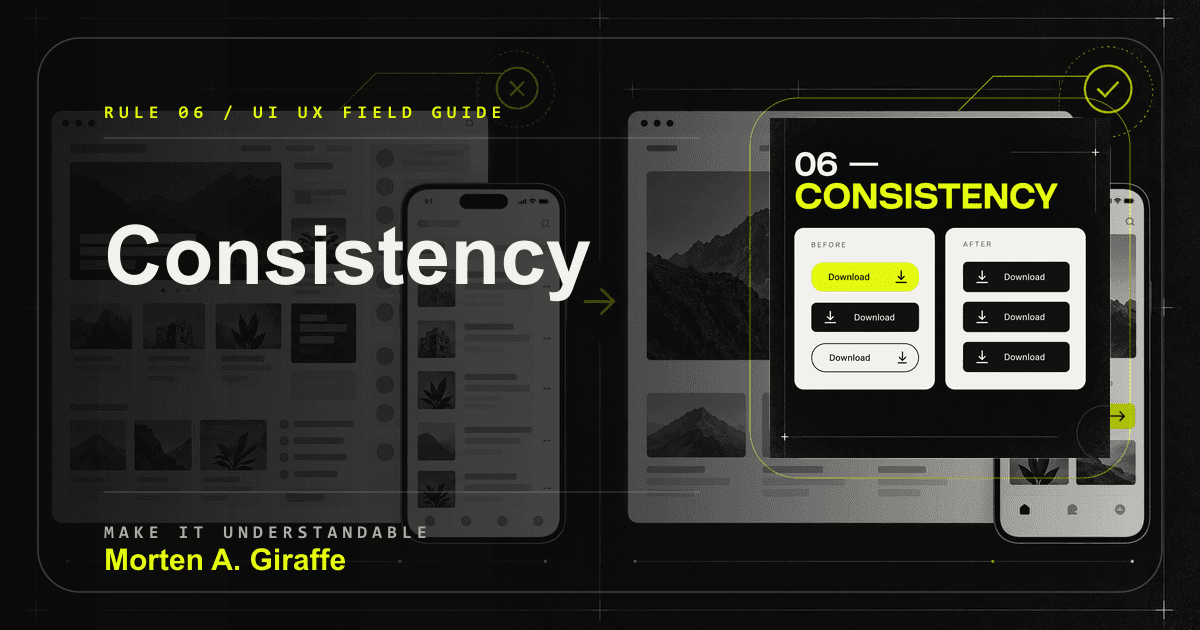
Consistency Turns Learning Into Speed
Stabilize meaning and behavior without flattening every screen into the same composition.

Familiarity: Do Not Hide Common Actions Behind Originality
Spend originality where it helps the brand, not where it makes common tasks harder to discover.
Make it usable
Reach, choice, memory, disclosure, feedback, and recovery.

Fitts’s Law: Make Important Actions Easy to Reach
Review reach, target size, separation, and consequence before calling an action usable.
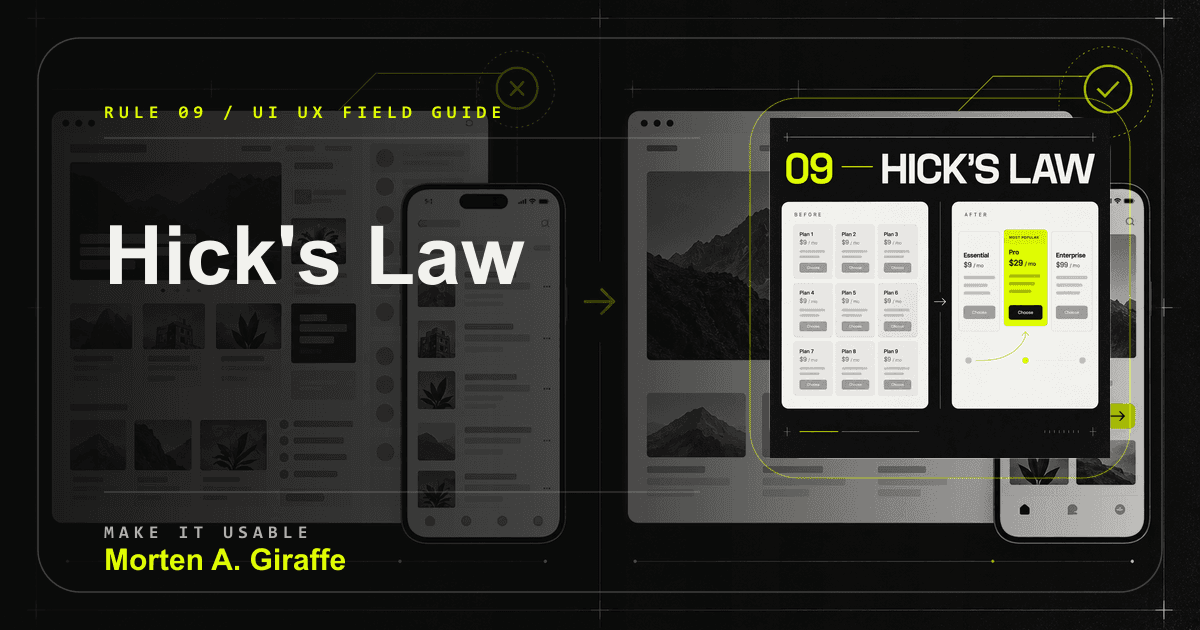
Hick’s Law: Structure Choice Without Hiding It
Make options comparable, explainable, and reversible instead of pretending fewer choices always means better UX.
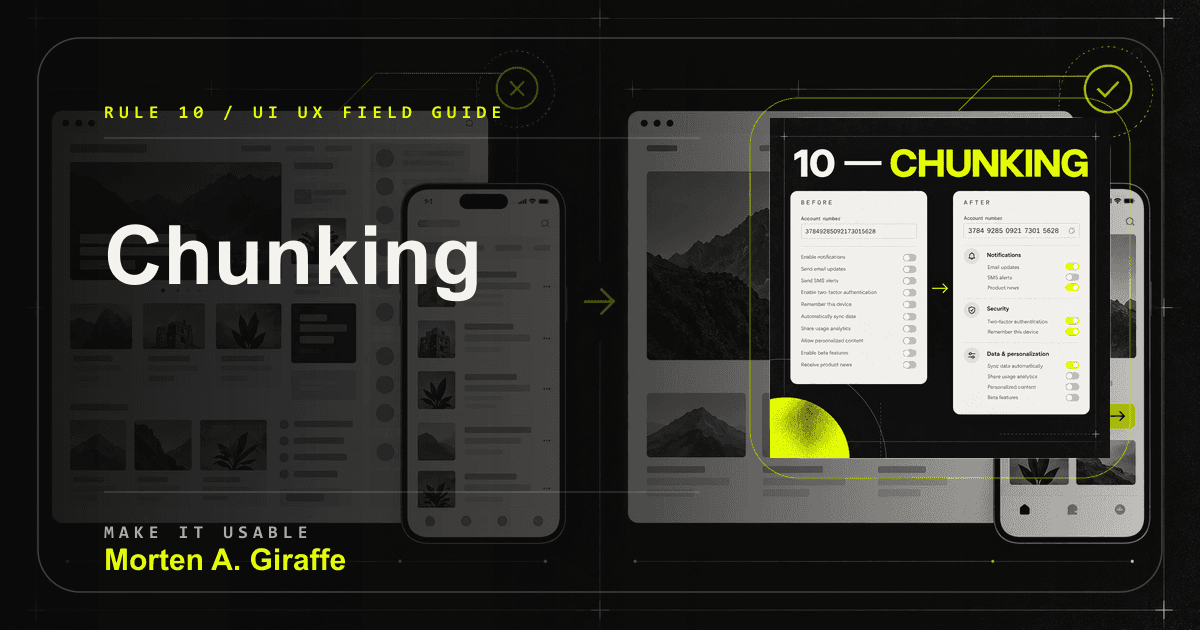
Chunking: Stop Making Visitors Remember the Interface
Group information around meaning so people can recognize context instead of holding the interface in memory.
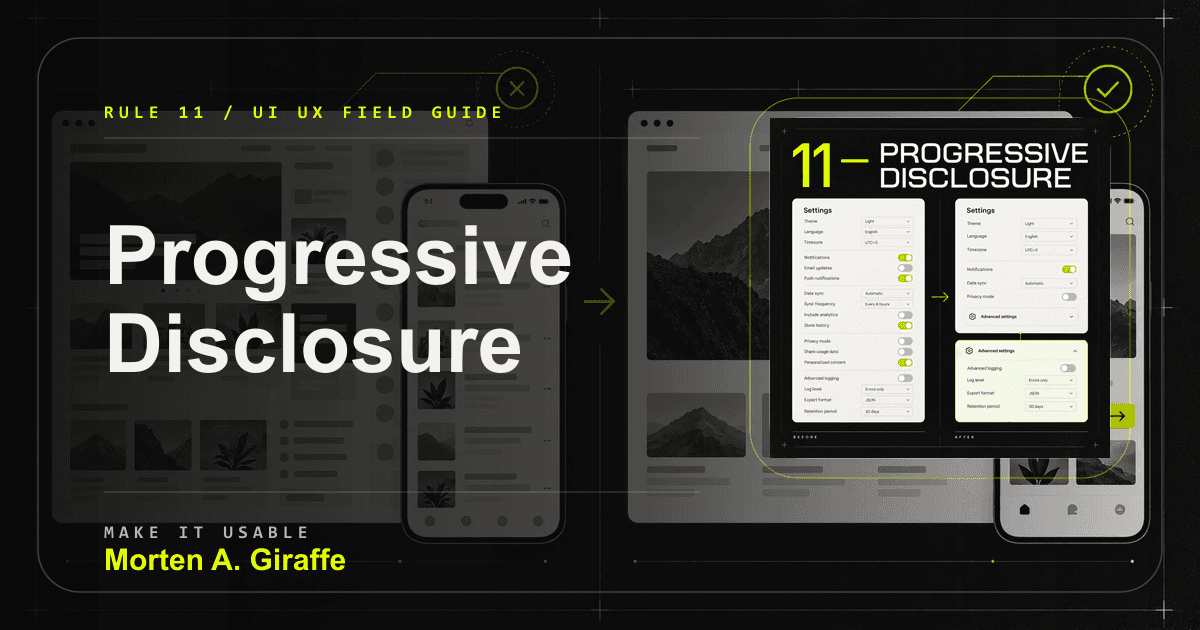
Progressive Disclosure: Reveal Complexity When It Becomes Useful
Keep the primary path calm while making advanced capability and material consequences easy to find.
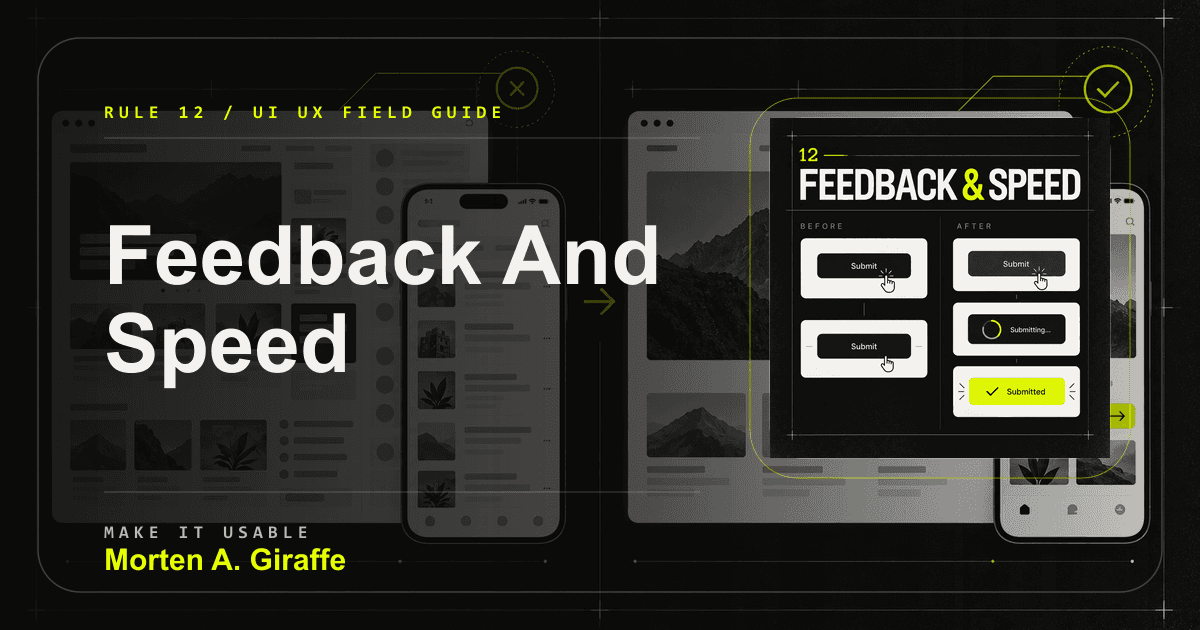
Feedback and Speed: Every Action Needs an Answer
Design acknowledgment, progress, and result states so people never wonder whether the interface heard them.
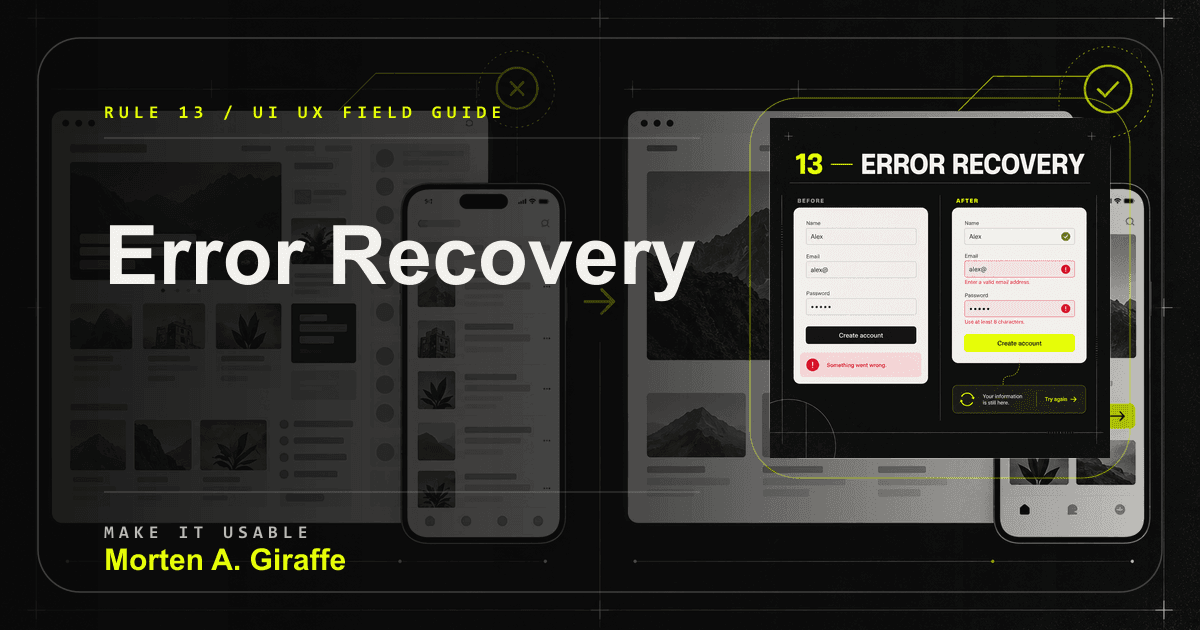
Error Recovery: Protect the Work and the Way Forward
Turn errors into local, recoverable moments instead of vague page-level uncertainty.
Make it responsible
Accessibility, responsiveness, sequence, trust, and measurement.
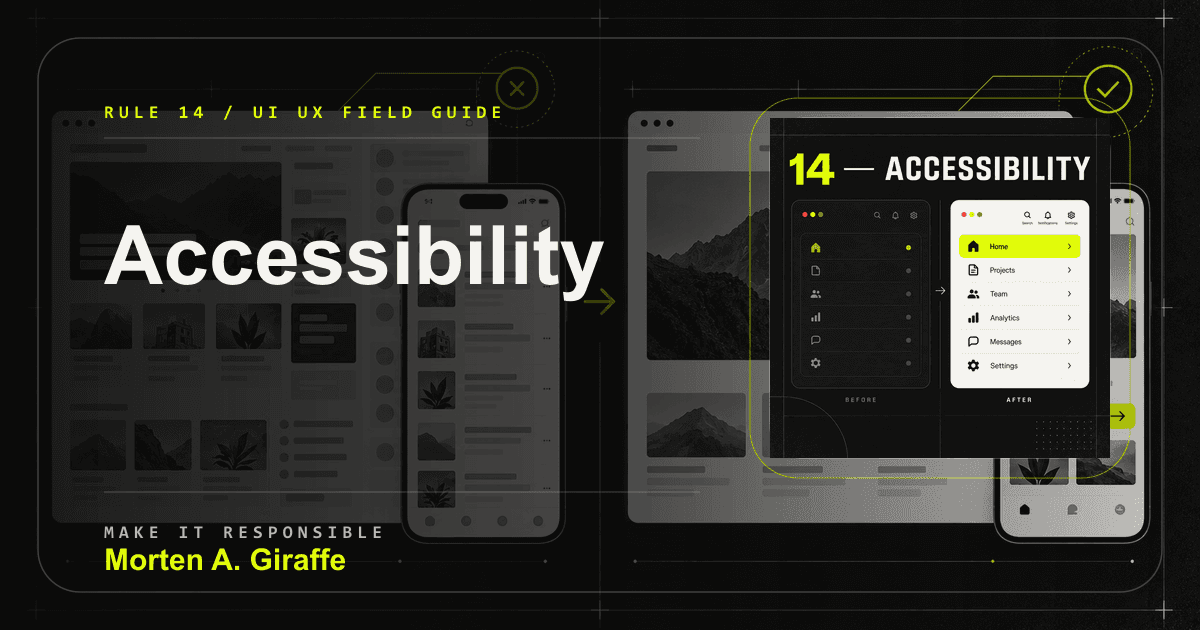
Accessibility Is Evidence the Interface Communicates
Review whether the interface communicates through structure, language, state, and multiple perceivable cues.

Responsive Design Is the Same Purpose Under New Constraints
Preserve the page purpose across space, input, content, network, and context.

Serial Position: Use the Beginning and End Deliberately
Use openings for orientation and endings for resolution without treating the middle as disposable.

Trust Works Best Where Doubt Appears
Map each serious doubt to the evidence, terms, or expectation that answers it at the moment of decision.

Measure the Outcome—not the Decoration
Tie design evaluation to the user task, business outcome, evidence, guardrail, and decision that should follow.
Technical SEO Field Guide
Establish the truth
Scope, access, indexation and the URLs that should exist.
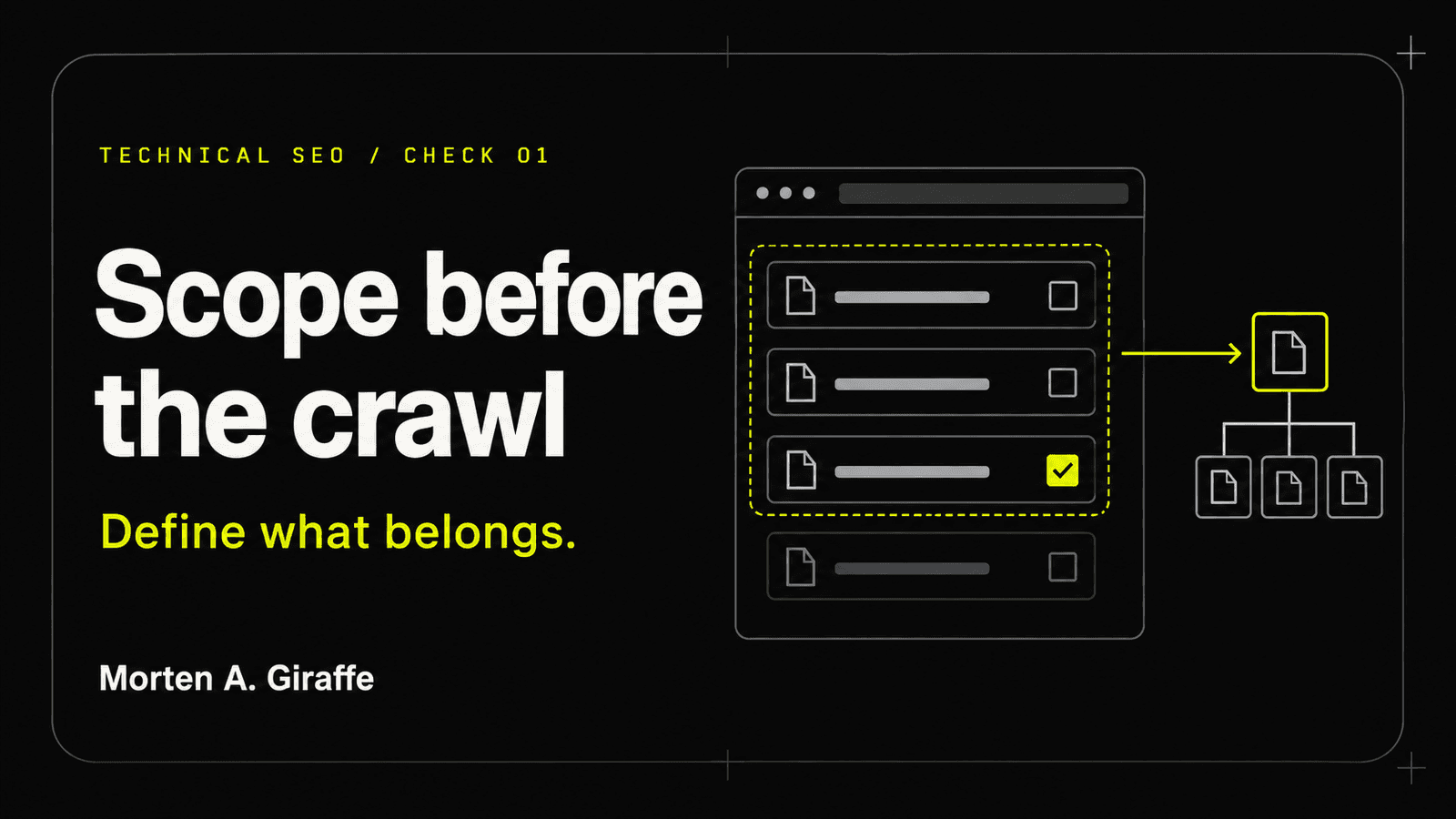
Scope before crawl
A crawl is evidence, not the assignment. Define the business question, intended URL set, and decision rules before a tool turns every discoverable path into the same kind of problem.
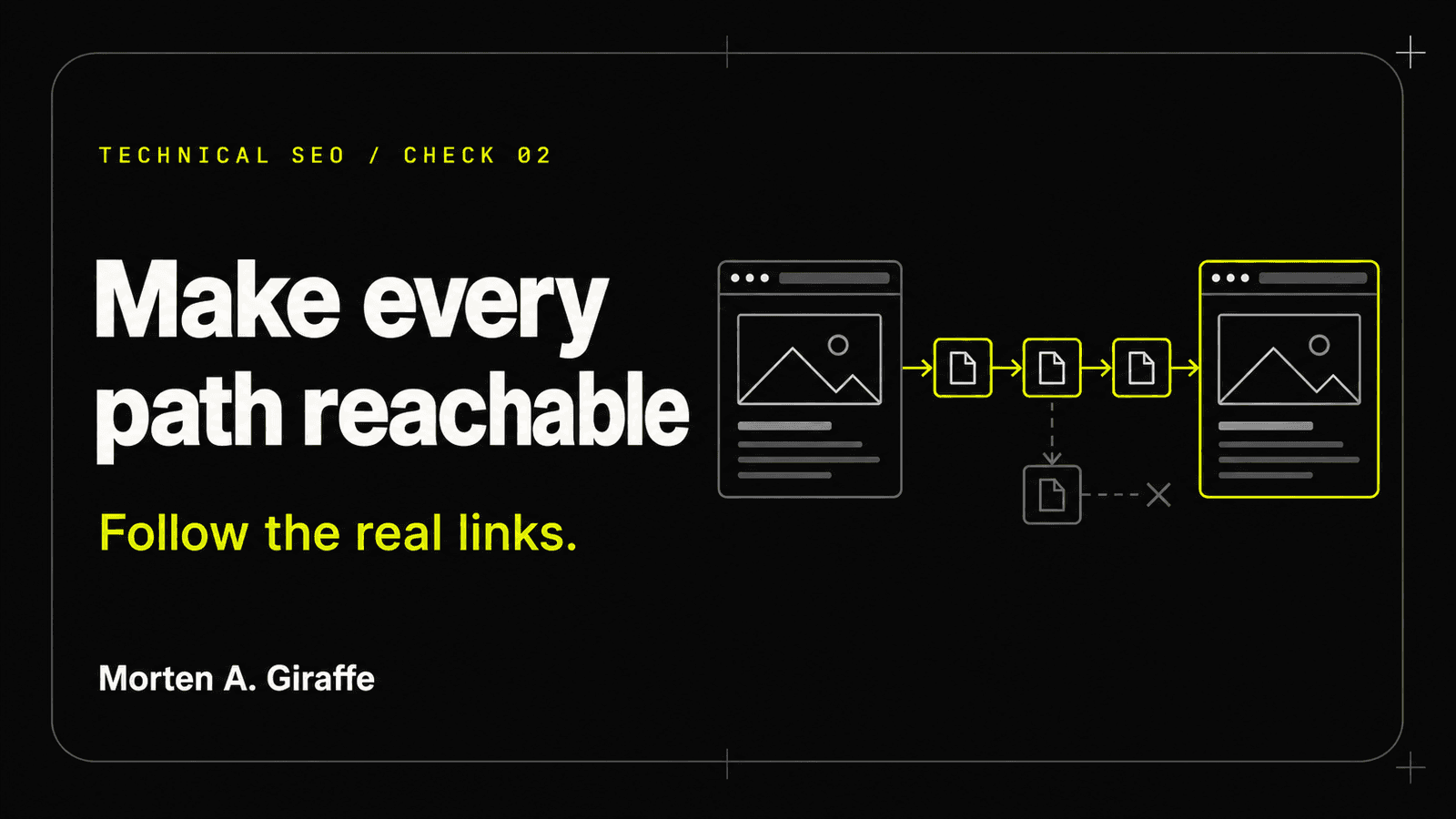
Crawlability
A page is not discoverable because it exists in a repository or a sitemap. Important URLs need ordinary links, permitted access, truthful responses, and a path that survives real browsers, crawlers, and security layers.
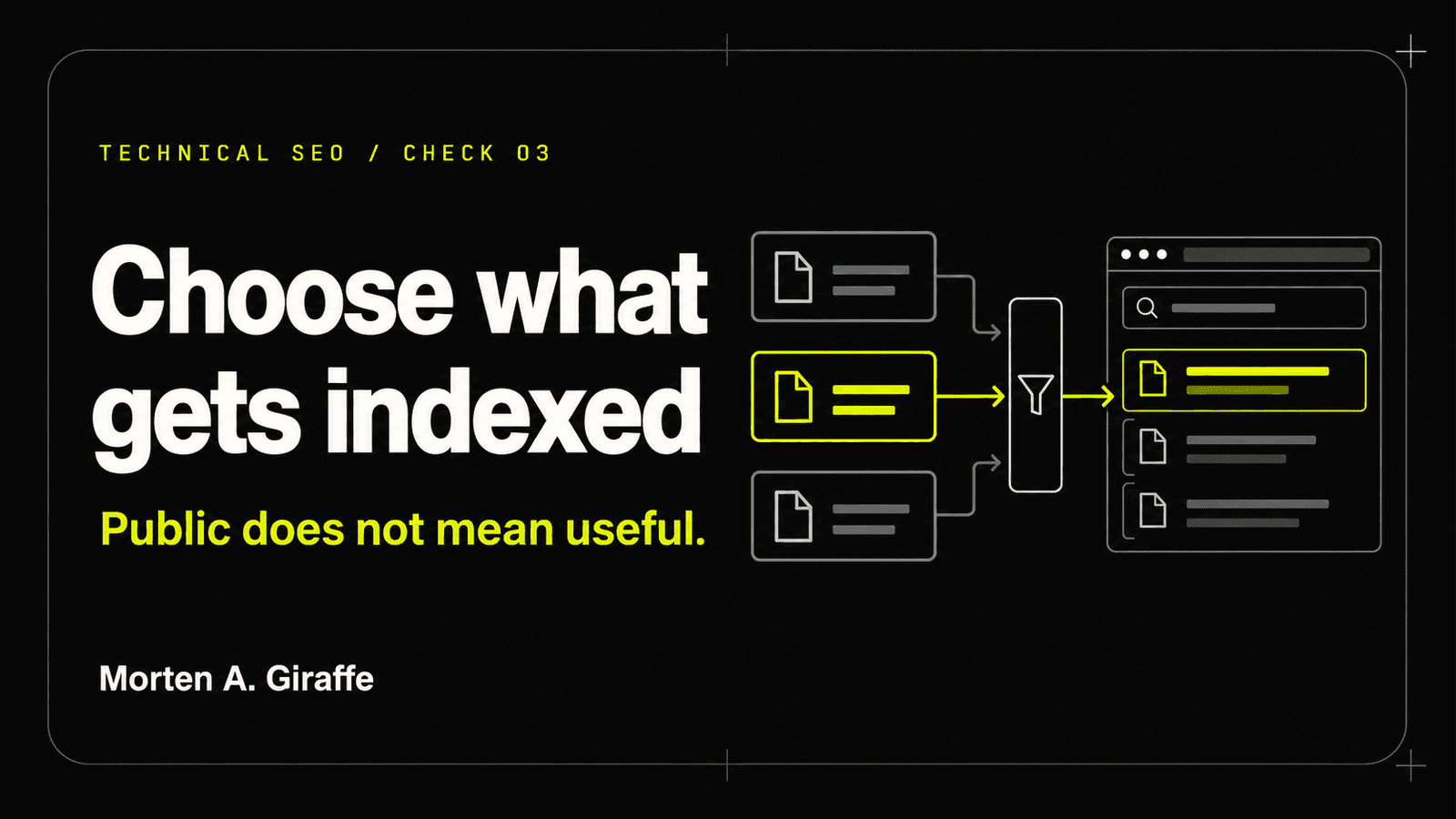
Indexation
Indexation is an eligibility decision, not proof of quality or visibility. Make each URL’s intended state explicit, then align access, directives, canonicals, content, and platform evidence.
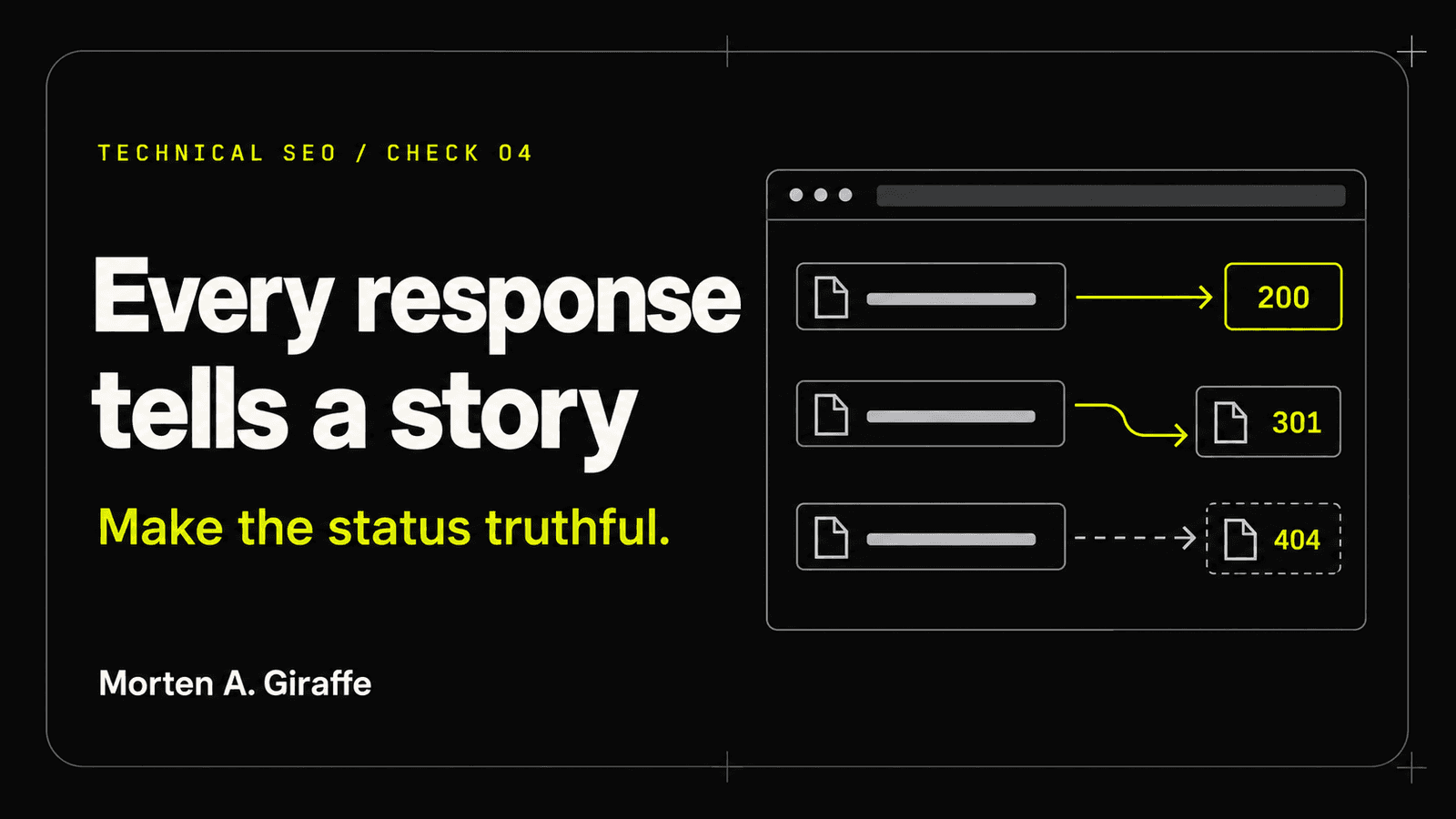
Status and redirects
The body can look correct while the protocol says something else. Use status codes and redirects to state whether content exists, moved, disappeared, failed, or is temporarily unavailable.

Canonicalization
A canonical is a preference inside a cluster of similar URLs. It works best when redirects, internal links, sitemap entries, metadata, and page content all point toward the same representative URL.
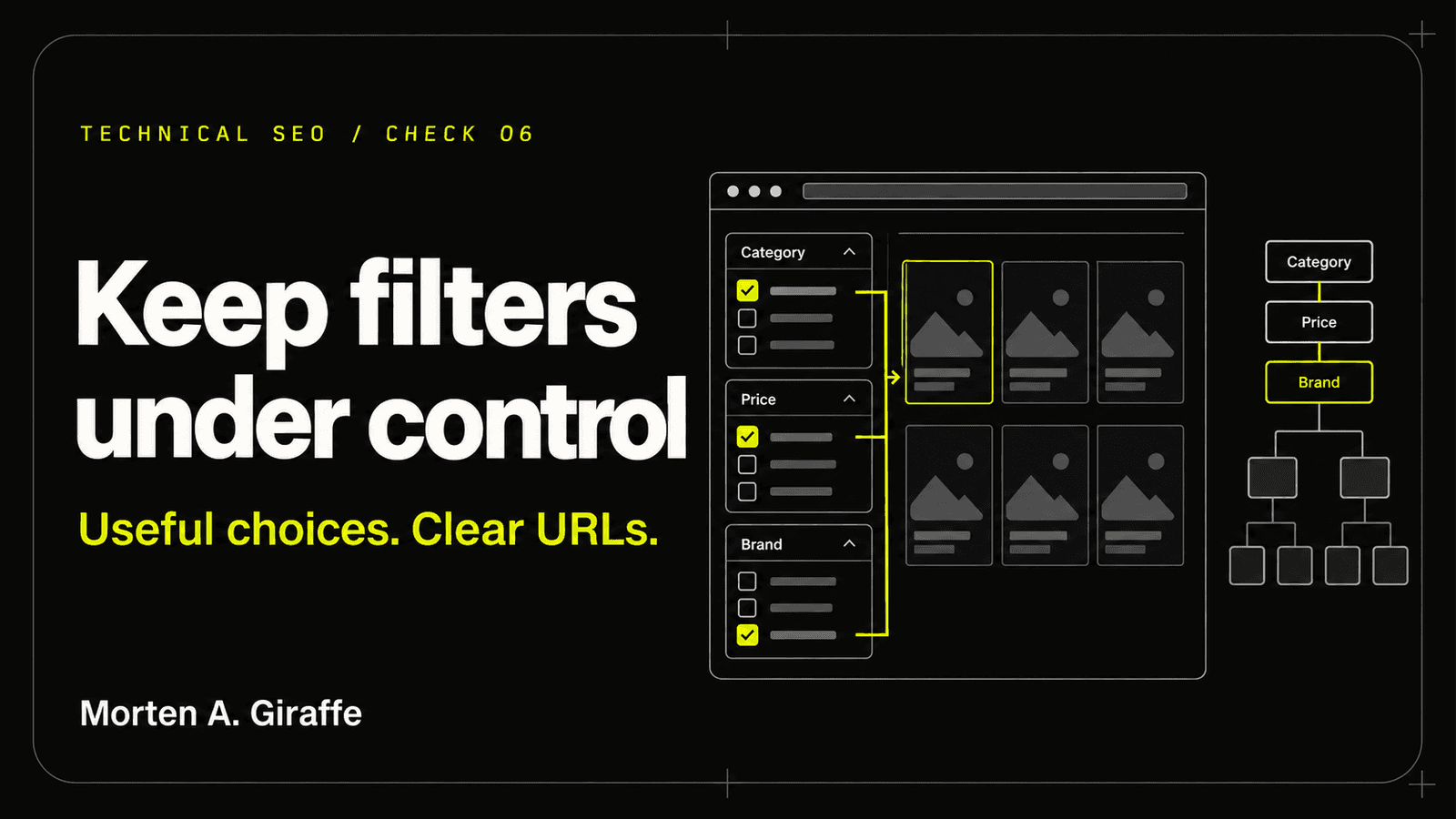
Parameters and facets
Filters, sorts, tracking values, and state parameters can create more URLs than the site has meaningful pages. Decide which combinations deserve stable public URLs and prevent everything else from becoming a crawlable maze.
Make the site legible
Architecture, rendering, metadata, media and language.

XML sitemaps
A sitemap is a maintained statement of which canonical pages matter and when they changed. It should reduce ambiguity, not export every route the application can generate.
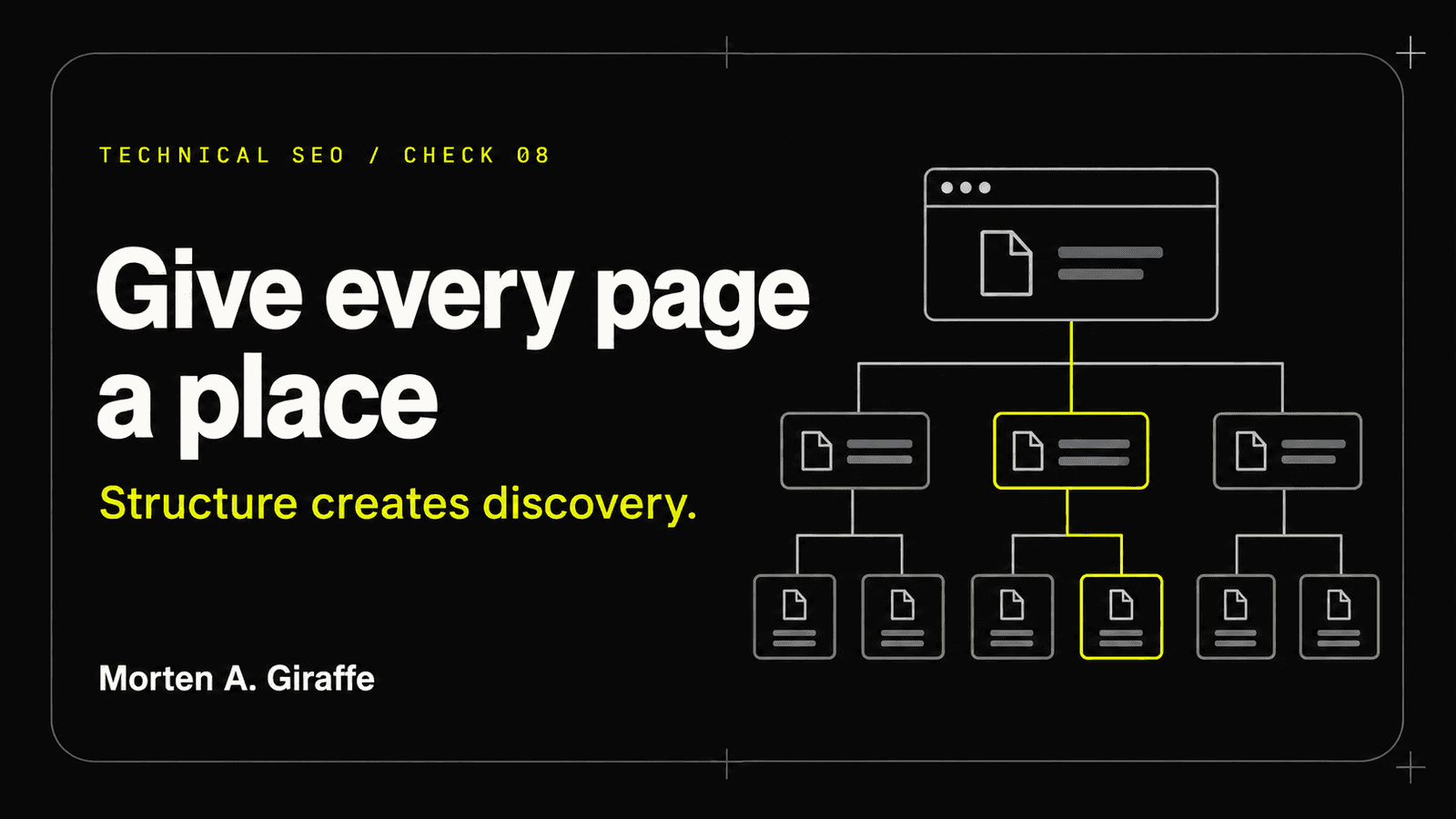
Site architecture
Architecture turns a collection of URLs into a comprehensible system. Use hubs, breadcrumbs, contextual links, and stable labels to reveal what belongs together and where the next useful page lives.
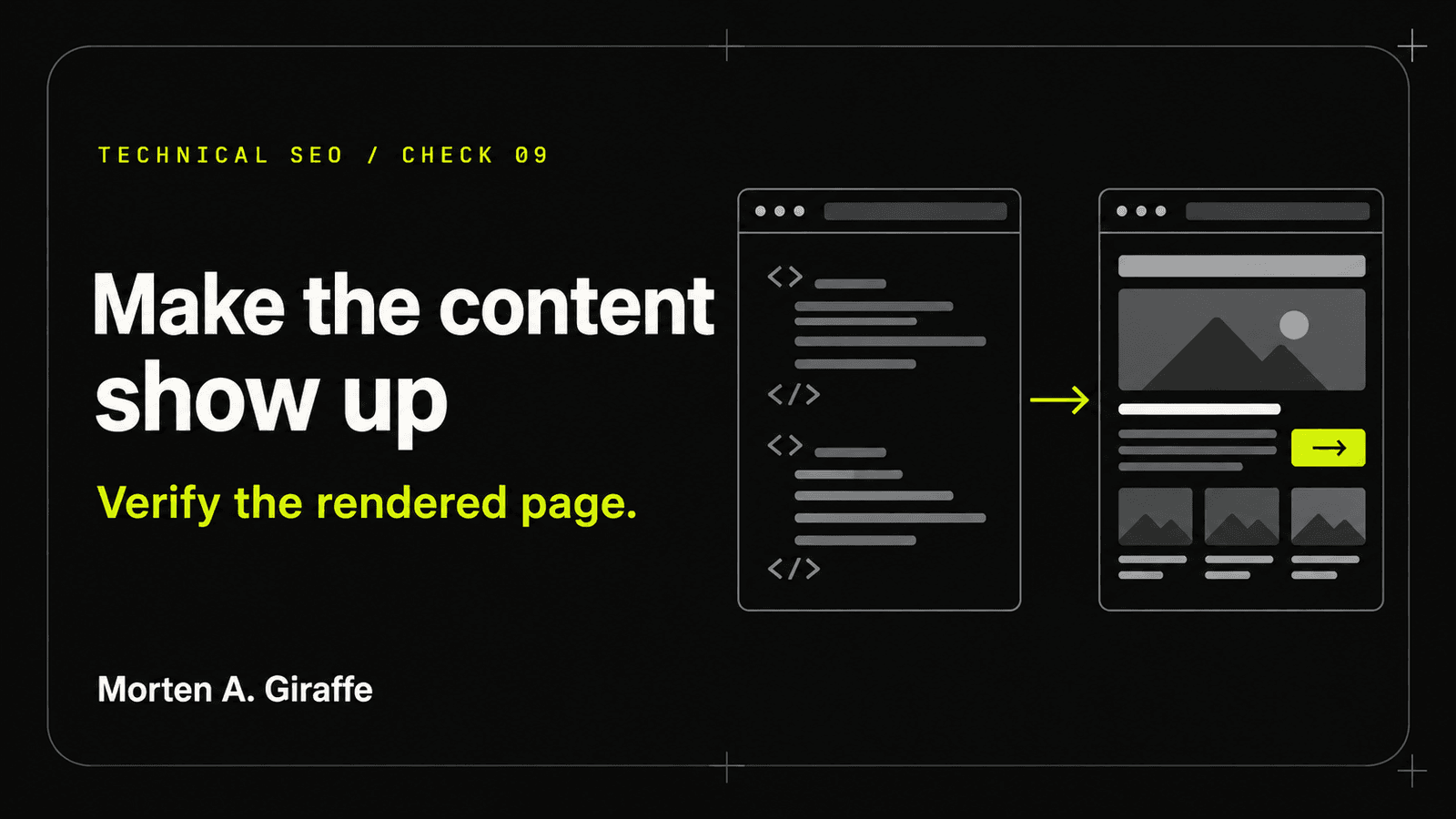
JavaScript rendering
JavaScript can enhance an article without becoming the gatekeeper for its meaning. Serve the primary copy, links, metadata, and status in reliable HTML, then add interaction progressively.
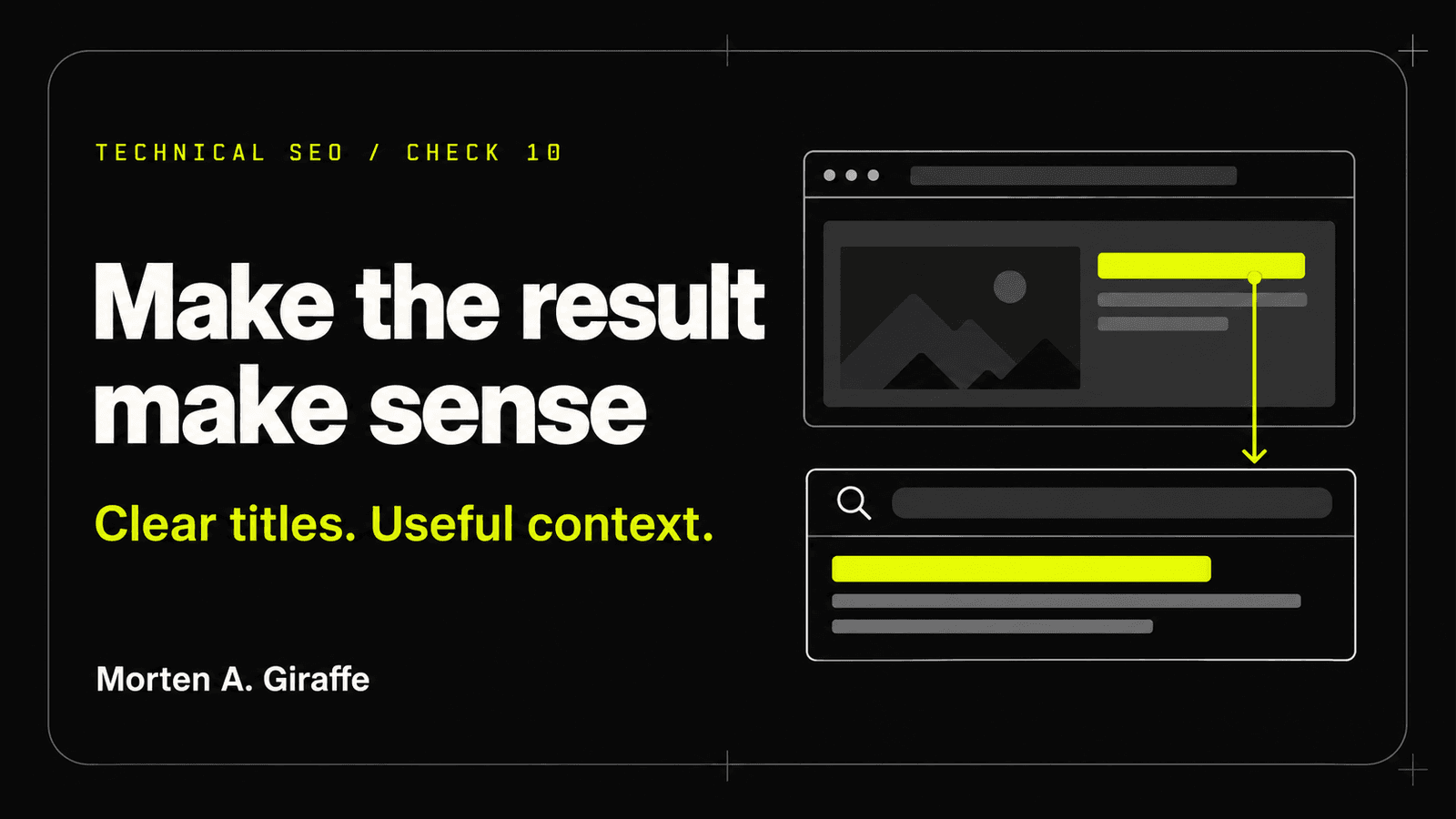
Titles and snippets
A result should name the page, distinguish it from neighboring pages, and make a promise the landing experience keeps. Write titles and descriptions from page purpose, then accept that search systems may adapt their presentation.
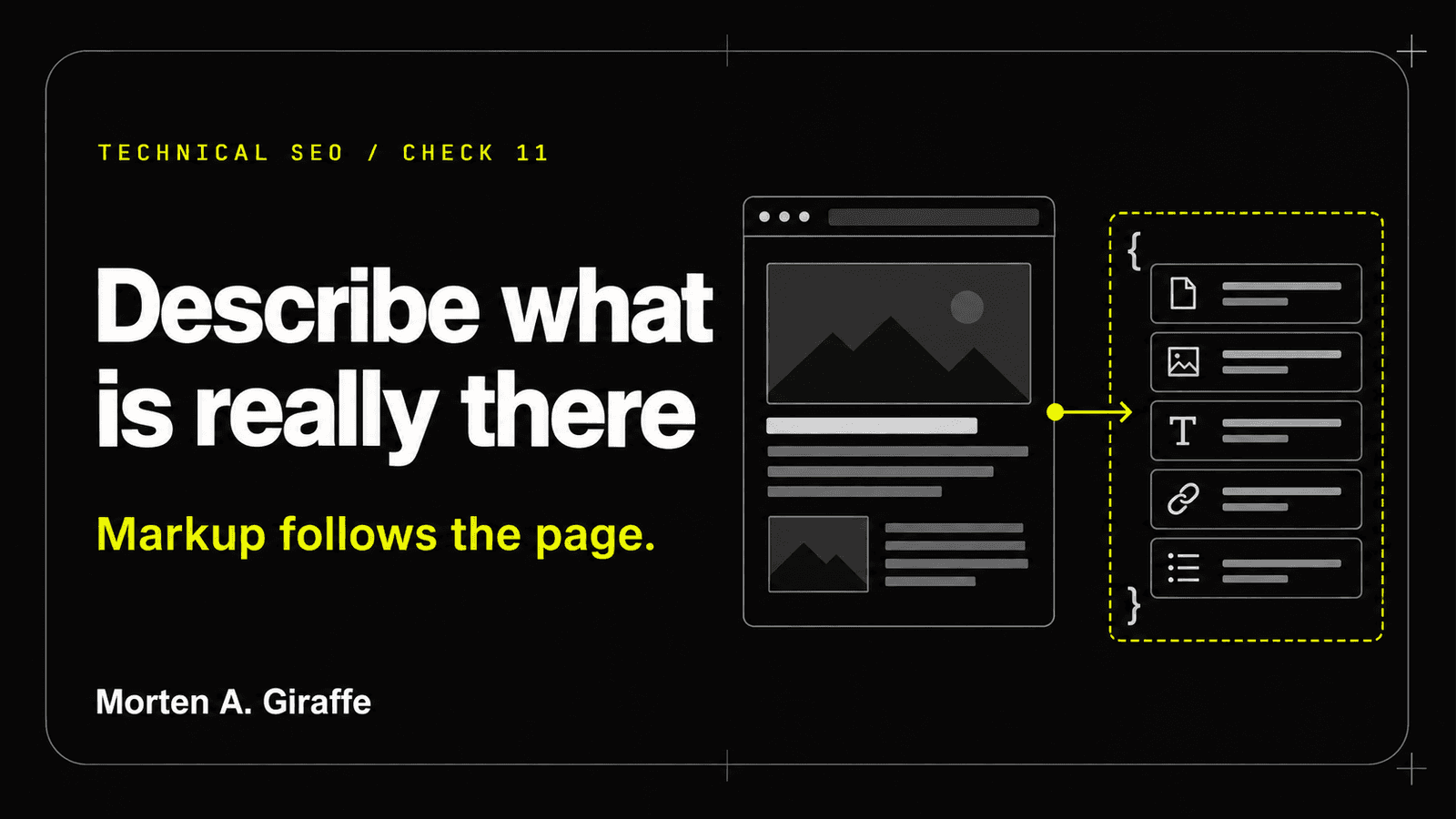
Structured data
Structured data can clarify visible entities and relationships. It cannot create a feature the page does not earn, repair weak content, or justify facts that are absent from the interface.
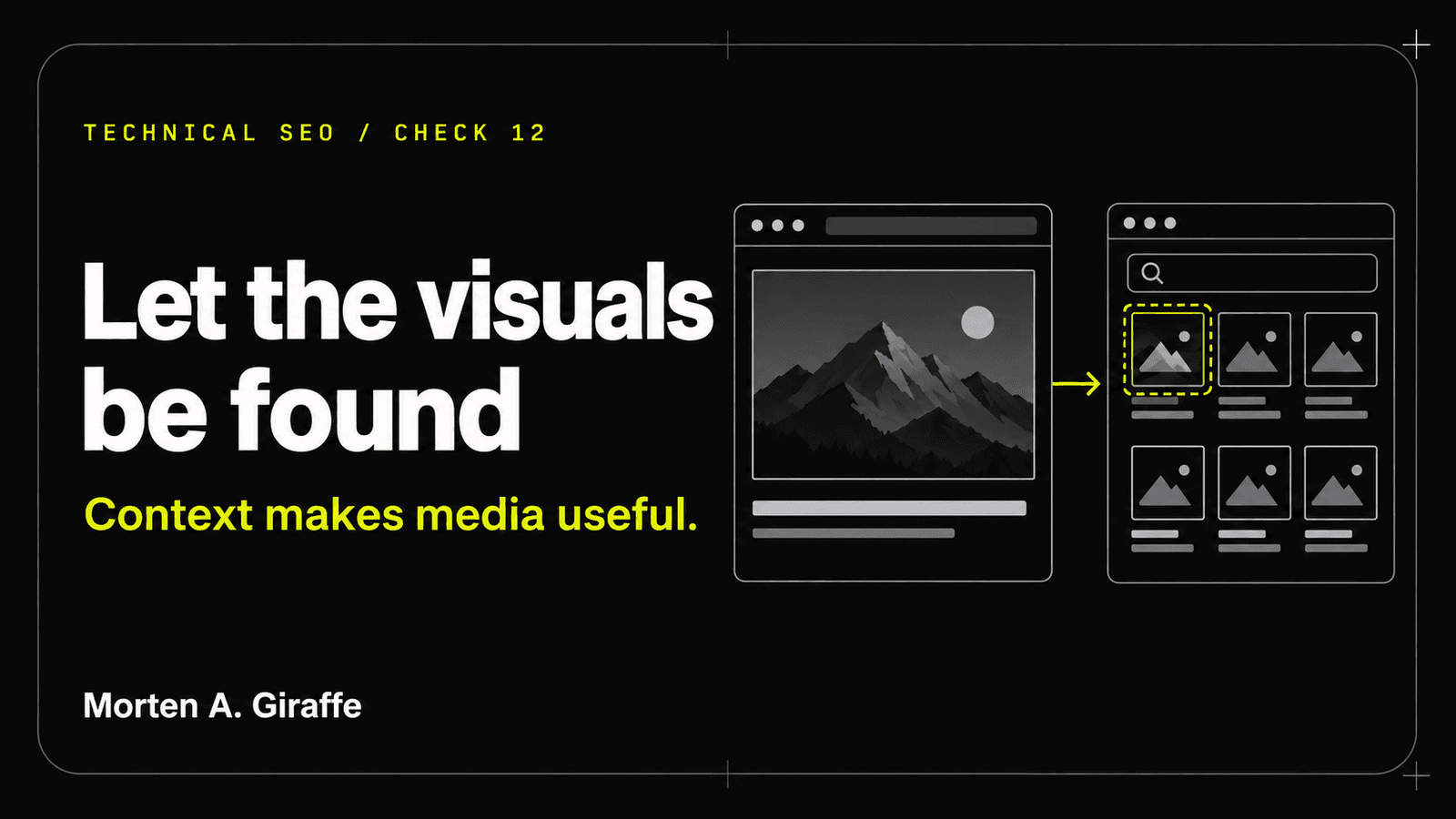
Media discovery
Media should carry meaning with the page, not hide meaning from it. Give each asset context, dimensions, accessible alternatives, stable URLs, and a delivery strategy that respects performance.

International SEO
Localized pages need distinct URLs, complete translations, reciprocal annotations, and a user-controlled way to change language or region. Do not create international signals for versions that do not truly exist.
Keep it durable
Performance, accessibility, useful content and release control.
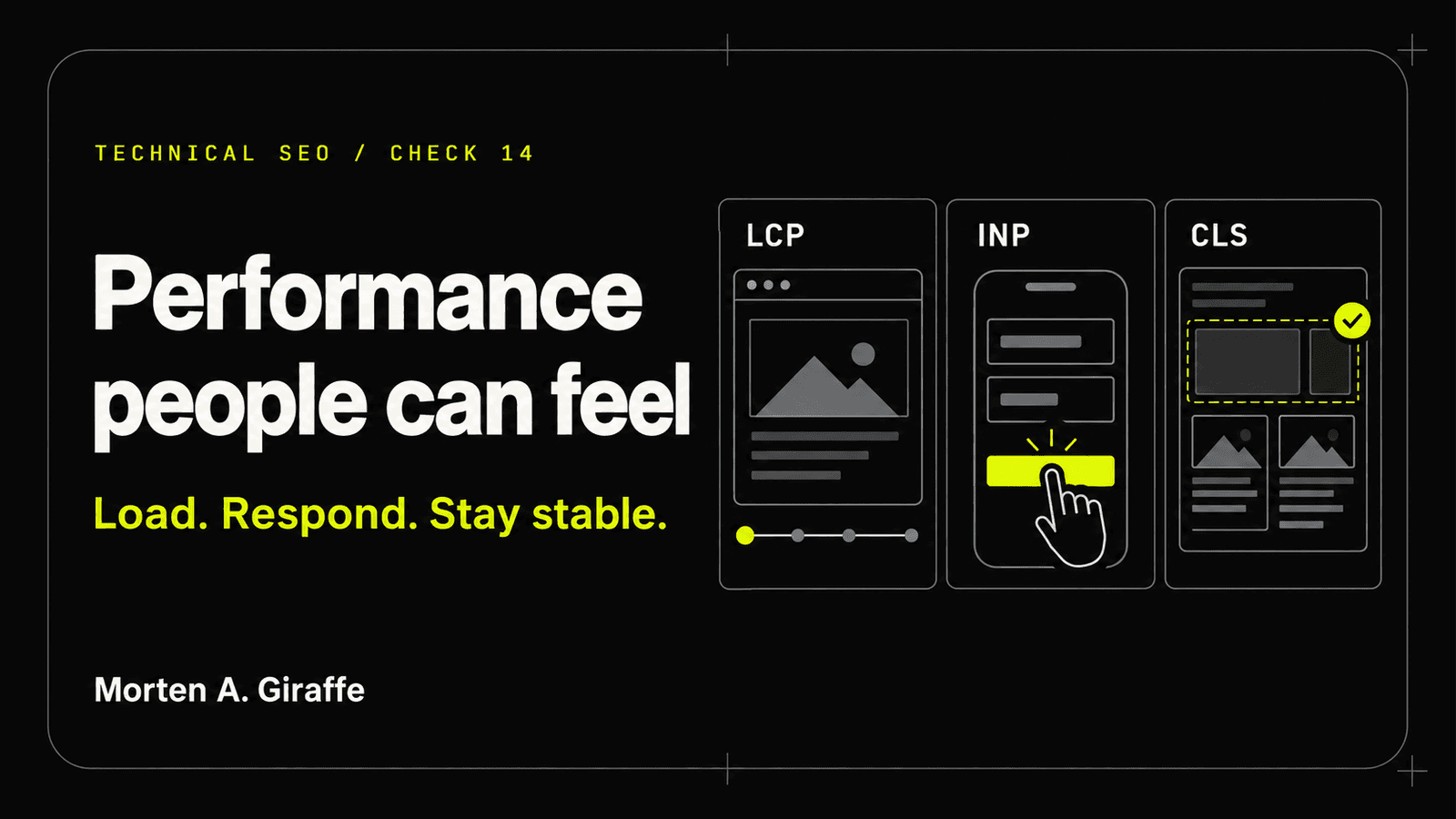
Core Web Vitals
Use field data to locate real user problems and laboratory tools to reproduce them. Repair the template, asset, script, or interaction pattern that repeats across pages instead of chasing a perfect screenshot score.

Mobile and accessibility
The page should keep its purpose when space, input, vision, motion, bandwidth, language, or motor precision changes. Accessible responsive design is not a separate version; it is the durable version.
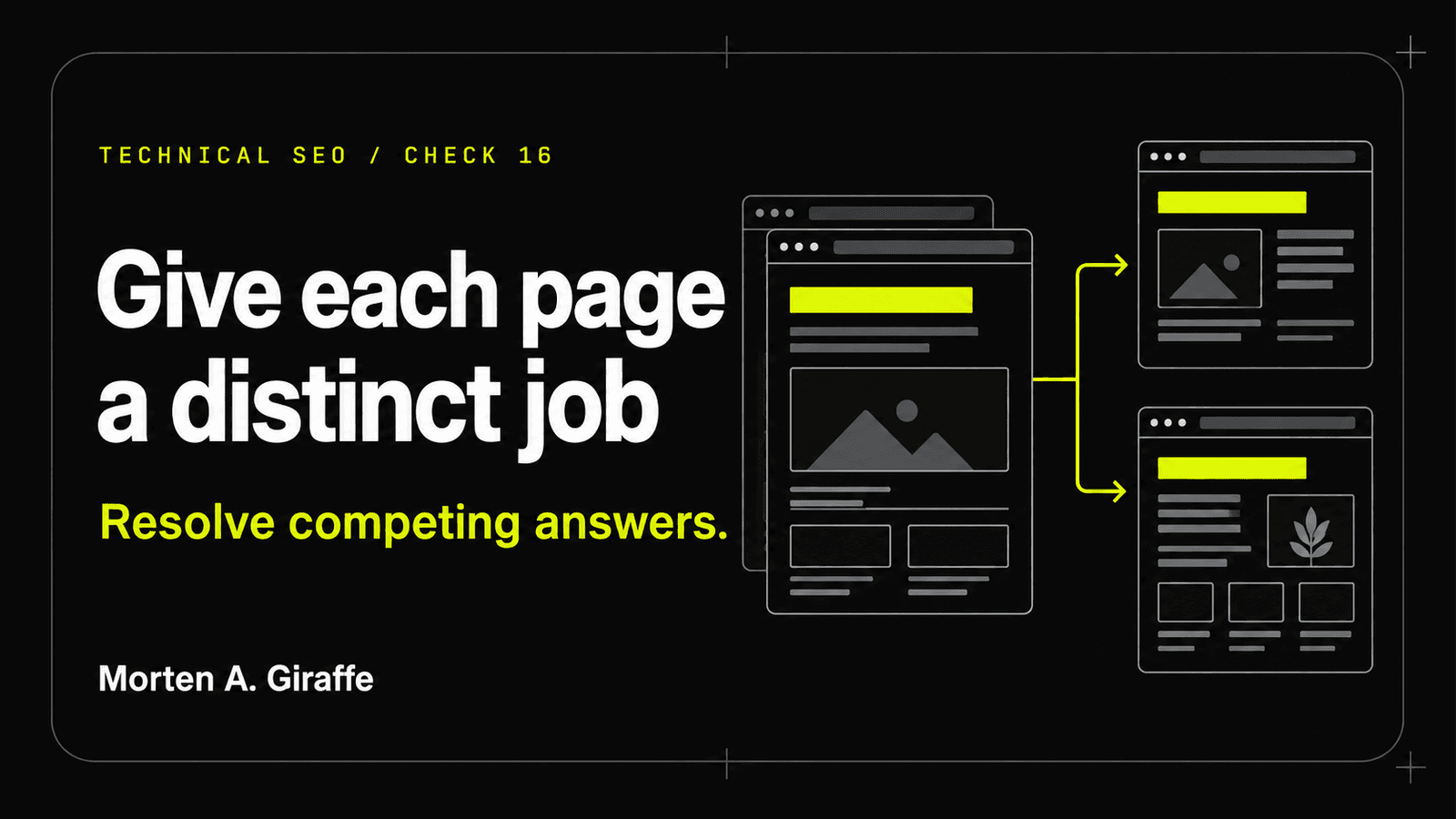
Content overlap
Pages are not in conflict merely because they mention the same topic. Map each URL to a person, question, decision, and next action; then merge true duplicates and differentiate pages that serve legitimate stages or contexts.
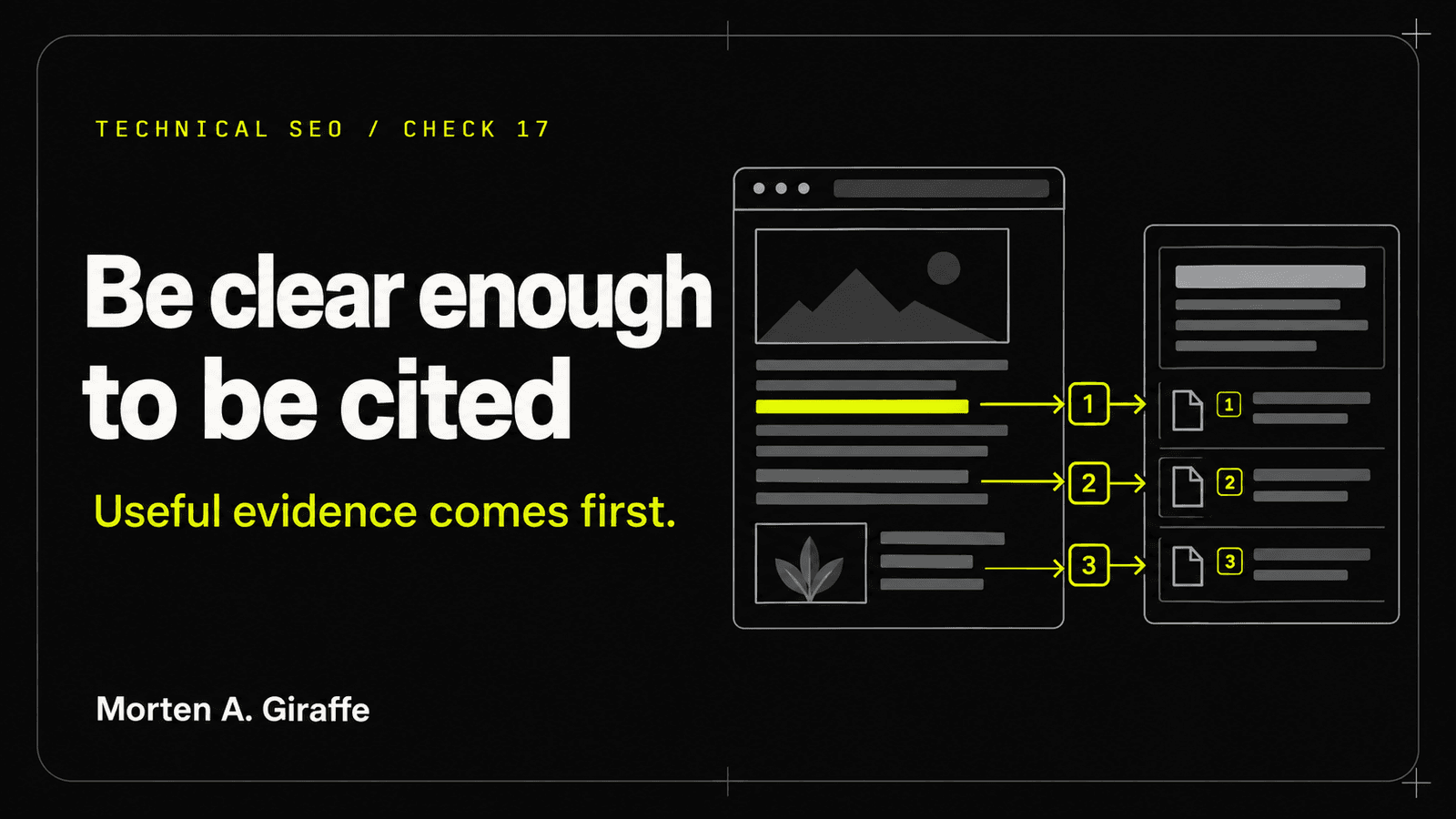
AI search readiness
AI search does not replace the foundations of crawling, indexing, clear writing, original evidence, and stable sources. Build pages that can be found, understood in sections, checked, and cited without sacrificing the human reader.
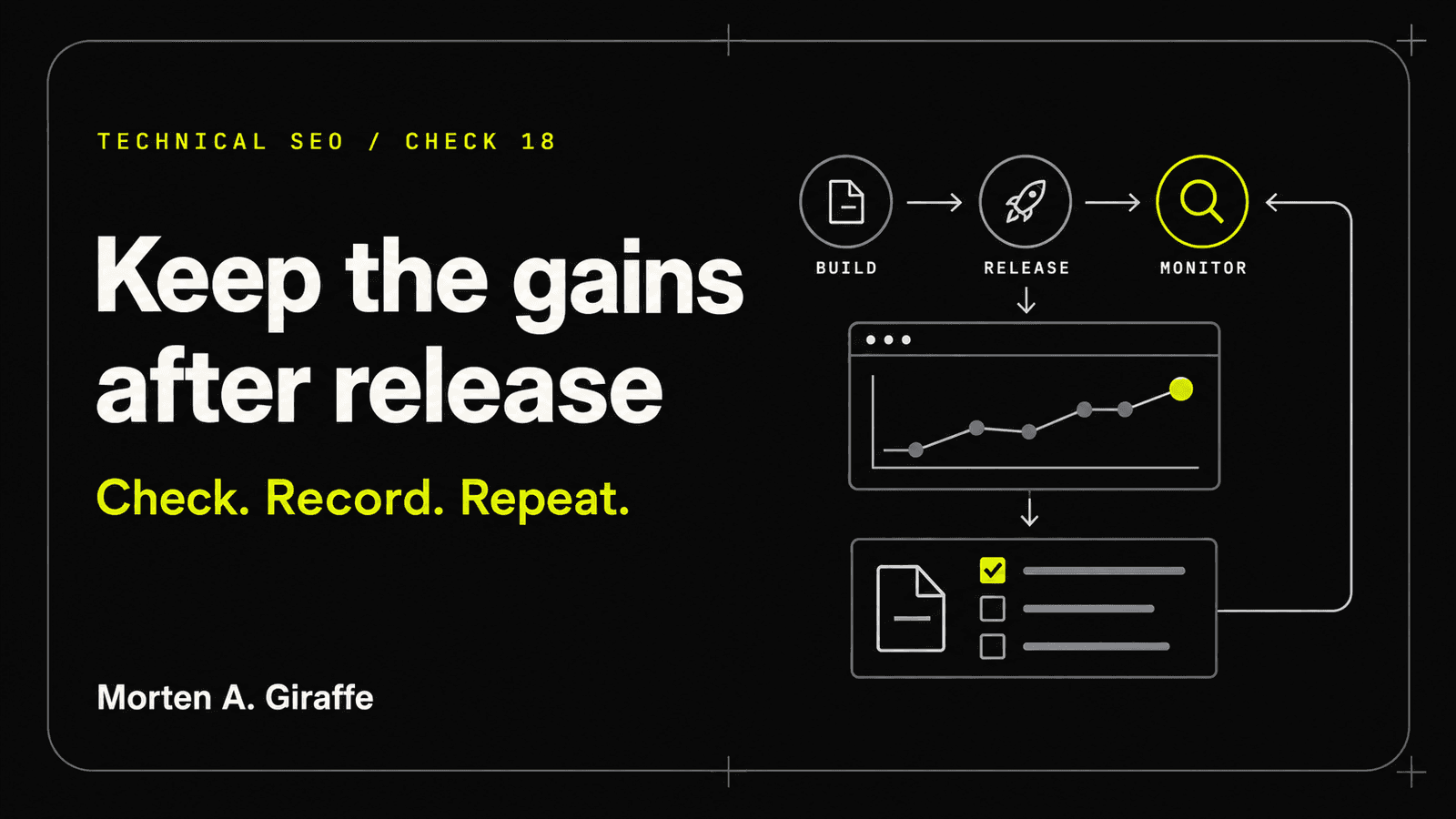
Monitoring and change control
An audit ends when the release process can preserve the fix. Put route, metadata, link, sitemap, performance, accessibility, and crawler checks around change—then monitor the live result and keep rollback simple.