
Journal 07 / AI Image & Video Prompt Field Guide
Prompt the Shot, Not the Vibe.
See the production logic, choose the closest visual job, and copy a complete prompt for images, edits, products, brands, motion, and video.
- Shortcuts
- 366
- Rules
- 18
- Categories
- 18
- Media
- Image + video
Visual prompt directory
Start with the job. See the production logic.
Browse eighteen visual categories, or search by subject, destination, edit, camera move, or output. Every shortcut opens a complete field note.
Turn a shortcut into a production contract.
A slash command compresses intent. This system restores the information that makes the result usable, accurate, and publishable.
- Job
- Workflow
- Reference
- Preserve
- Compose
- Direct
- Generate
- Inspect
- Refine
- Export
Frame the job before you ask for the effect.
Each rule includes a failure mode, applied correction, field test, and publication verification.
01 / Frame the job
Outcome before aesthetic
Define what the asset must accomplish before naming a visual style.
Read rule
Choose the right workflow
Select text-to-image, image-to-image, edit, text-to-video, or image-to-video based on what information already exists.
Read rule
Start with the best reference
Reference quality controls identity, geometry, materials, lighting, and composition before the text prompt gets a chance to help.
Read rule
Write the preserve lock
For edits, state what must remain unchanged as clearly as what should change.
Read rule
Compose for the destination
Aspect ratio, crop, safe zones, text space, focal position, and viewing distance belong in the brief from the start.
Read rule
Direct one dominant subject
Visual hierarchy starts with a clear subject and supporting elements that do not compete for attention.
Read rule02 / Direct the visual
Describe materials and surfaces
Specific materials, texture, finish, age, scale, and physical behavior outperform empty words like premium or stunning.
Read rule
Use camera language when it matters
Framing, viewpoint, focal length, depth of field, camera height, and lens behavior are useful when they change the composition—not as decorative jargon.
Read rule
Light the scene on purpose
Name source direction, softness, contrast, practical lights, reflections, time of day, and shadow behavior when lighting carries the mood or reveals form.
Read rule
Control color and brand
Use actual brand colors, logo rules, typography references, packaging, and visual motifs when consistency matters.
Read rule
Treat text as layout
Generated text, logos, labels, and UI should be short, legible, positioned deliberately, and verified rather than assumed correct.
Read rule
Separate realism from style
Choose whether physical accuracy, stylization, illustration, 3D rendering, editorial art direction, or deliberate roughness is the priority.
Read rule03 / Generate, verify, publish
Edit one change at a time
Precise edits improve when the requested transformation is bounded and everything else is preserved.
Read rule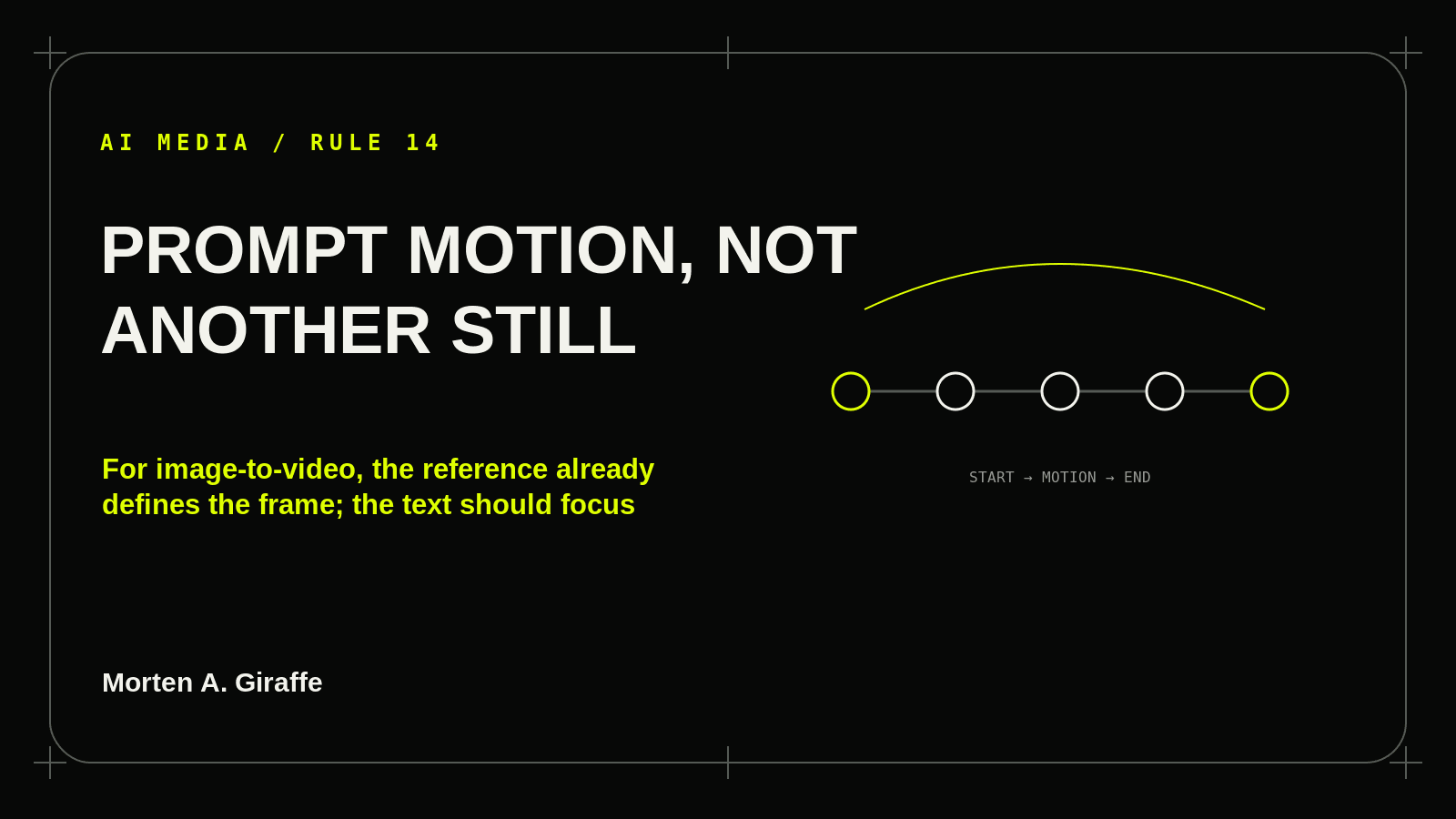
Prompt motion, not another still
For image-to-video, the reference already defines the frame; the text should focus on subject motion, environmental motion, camera motion, timing, and continuity.
Read rule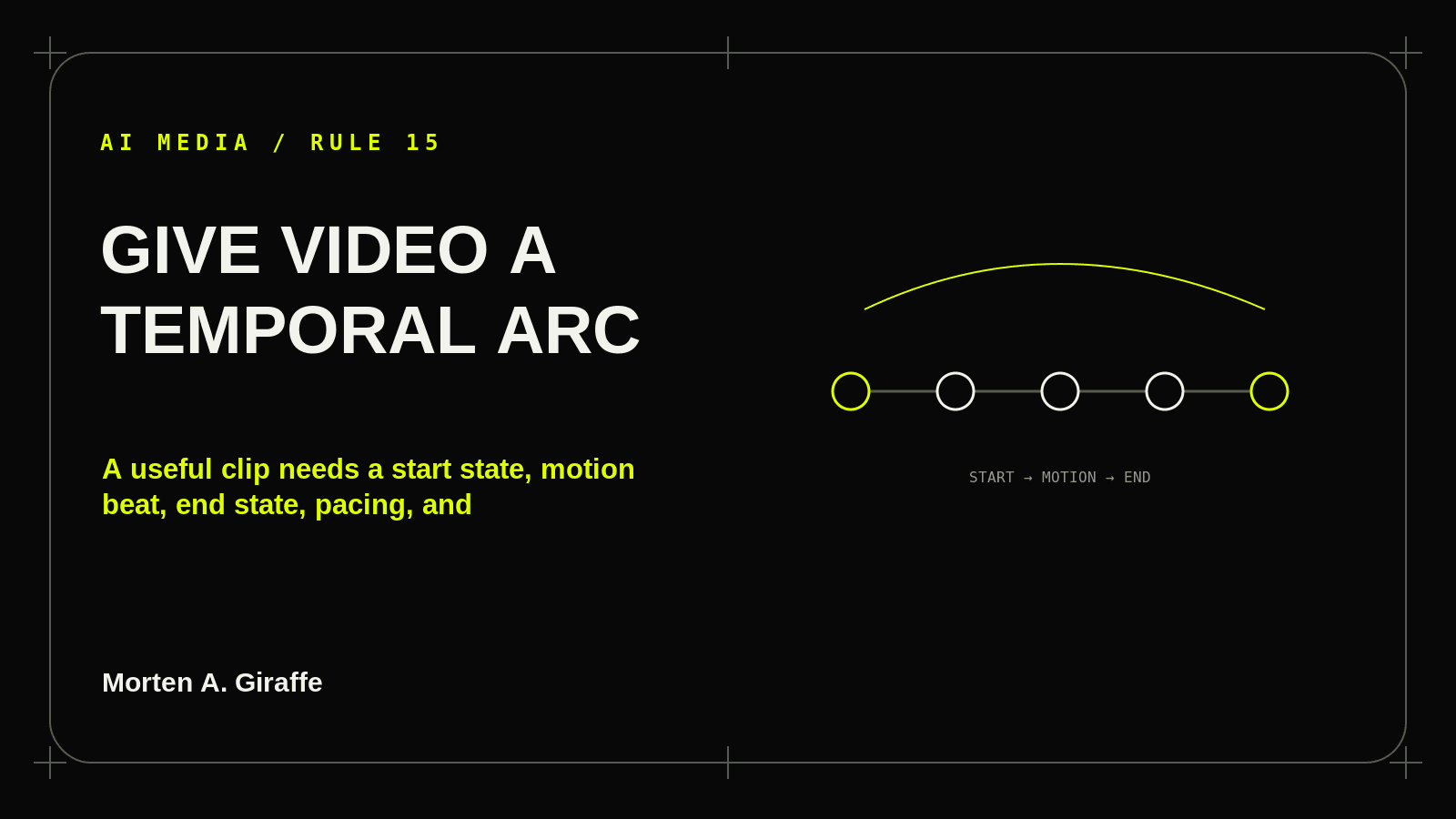
Give video a temporal arc
A useful clip needs a start state, motion beat, end state, pacing, and loop/transition behavior when relevant.
Read rule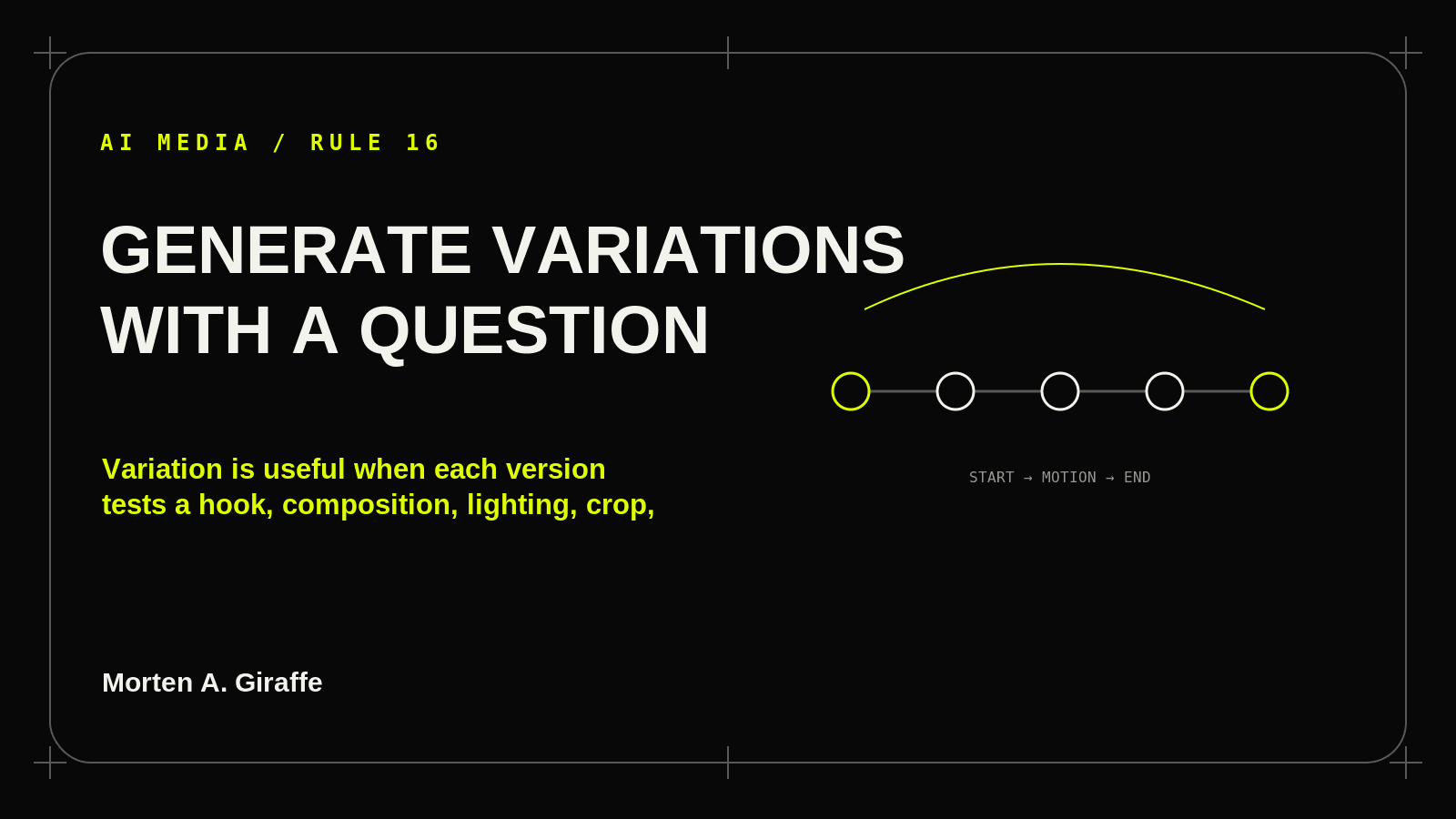
Generate variations with a question
Variation is useful when each version tests a hook, composition, lighting, crop, or motion decision—not when it is random churn.
Read rule
Inspect before upscale
Check anatomy, hands, labels, logos, reflections, geometry, duplicated objects, edge halos, continuity, flicker, and impossible physics before final resolution.
Read rule
Export with context and truth
Deliver the right dimensions, crop, alt text, filename, brand/source notes, and disclosure/provenance where appropriate; never present fabricated evidence as documentary truth.
Read ruleModel-neutral workflow, dated provider notes.
Provider controls change faster than the creative job. The canonical prompts stay in natural language and the sources remain visible.