
Media Discovery: Make Images and Video Findable, Fast, and Useful
Media should carry meaning with the page, not hide meaning from it. Give each asset context, dimensions, accessible alternatives, stable URLs, and a delivery strategy that respects performance.
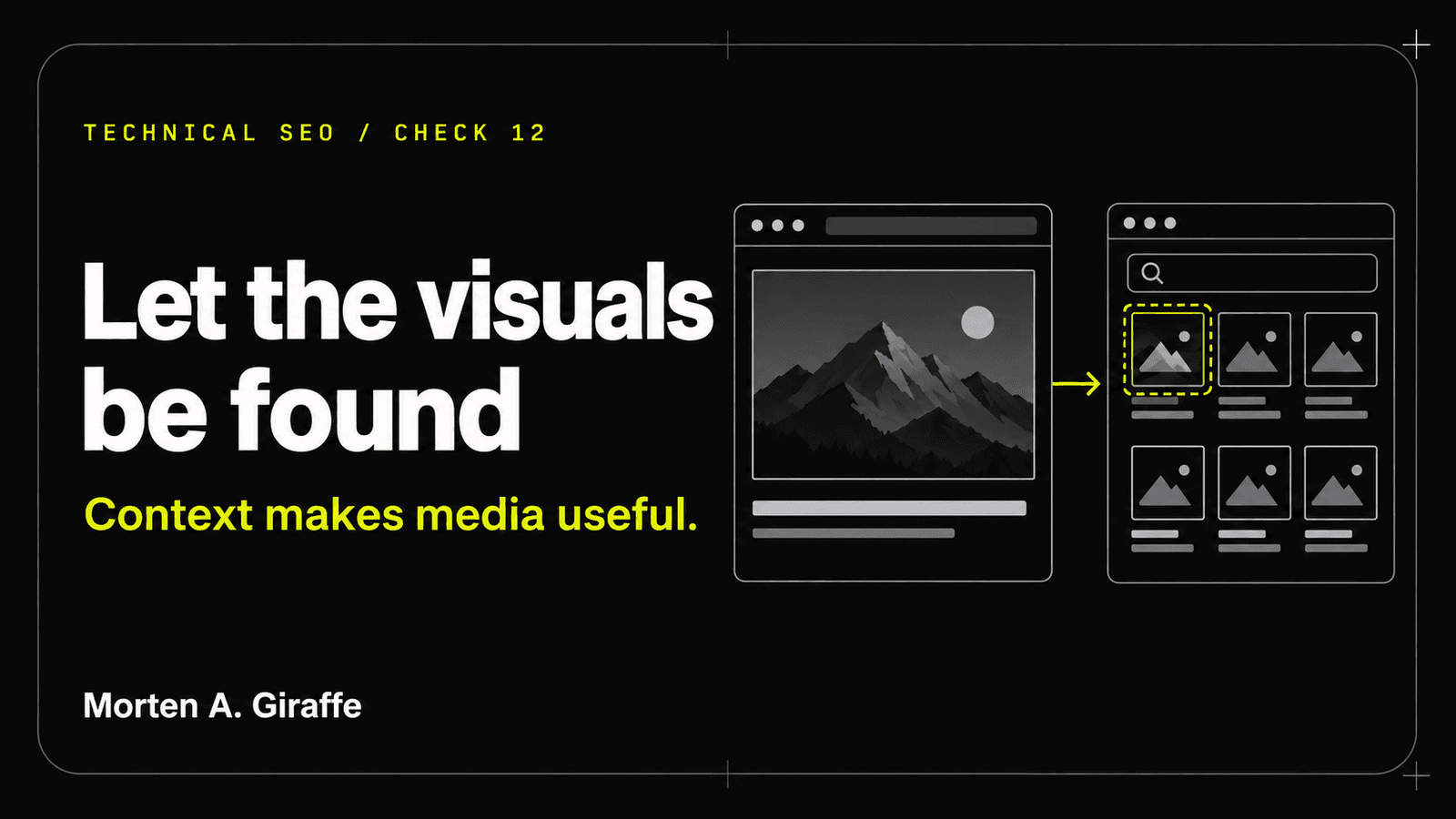
Working thesis: A beautiful image is not searchable evidence when its meaning exists nowhere else.
Scenario
A technical diagram contains the chapter’s only explanation. Its filename is final-v7.png, alt text says “SEO graphic,” and the mobile browser downloads the full 4K asset. When the image fails, the page loses the argument. When it loads, it becomes the largest and slowest element.
The team adds keywords to alt text, but the underlying problem remains: the image is carrying text, context, and structure the document should also express in HTML.
Useful media reinforces a complete page and has its own discoverable, accessible, and performant delivery path.
Evidence Lab
Audit the asset, the surrounding document, the delivered variants, and the fallback experience together.
- Purpose
- Decorative, illustrative, instructional, evidence, identity, or primary media.
- Context
- Nearby heading, caption, transcript, body explanation, and link destination.
- Accessibility
- Alt behavior, labels, transcript/captions, controls, and keyboard access.
- Delivery
- Format, intrinsic dimensions, responsive sources, loading priority, compression, cache, and status.
- Discovery
- Stable asset/watch-page URL, HTML references, metadata, sitemap/structured data where appropriate.
- Performance
- LCP candidacy, transfer size, decode time, layout reservation, and below-fold loading.
- Stable asset response
- Declared width and height
- Appropriate text alternative
- Nearby explanatory context
- Responsive delivery
- Supported markup only when the visible media qualifies
Principle
Keep the essential explanation in the document
A diagram can make a system faster to understand, but the surrounding text should define the idea, evidence, and conclusion. Avoid long paragraphs rendered as pixels.
For complex diagrams, concise alt text can state the purpose while nearby text or a detailed description carries the full explanation.
Choose alt behavior by function
Decorative images use empty alt. Informative images describe the information relevant to the page. Linked images need an accessible name for the destination. Portraits and logos identify the visible entity without keyword stuffing.
Alt text is not a hidden caption or a place to repeat every keyword.
Deliver the right asset at the right moment
Reserve dimensions to prevent layout shift, provide responsive sizes, use modern formats supported by the existing pipeline, and prioritize only the actual above-fold candidate.
Lazy-load below-the-fold media, but do not postpone the primary hero blindly when it is the page’s LCP element.
Rebuild
Remove
- Essential instructions embedded only in raster text.
- Generic filenames and repeated “image of” alt text.
- One oversized source delivered to every viewport.
- Lazy loading applied to the actual LCP image without testing.
- Video embeds with no title, transcript, poster, or privacy review.
Build
- HTML explanation plus a supporting diagram.
- Purpose-specific alt text and captions.
- Explicit dimensions and responsive source selection.
- Stable asset/watch-page URLs and truthful metadata.
- Performance, failure, keyboard, caption, and transcript tests.
Field Test
Evidence to collect
- Image/video inventory
- Rendered HTML
- Asset response headers
- Responsive requests
- Accessibility tree
- Performance waterfall
Method
- Classify each media item by purpose.
- Disable images and verify the page remains understandable.
- Inspect alt, captions, transcript, labels, and controls.
- Resize across breakpoints and record selected source and transfer size.
- Check dimensions, lazy/priority behavior, cache, status, and canonical asset URL.
- Test media failure and reduced data/motion where relevant.
Pass when
- Essential meaning remains available in text.
- Alt behavior matches function.
- Assets reserve space and use appropriate variants.
- Primary and below-fold loading choices are measured.
- Video has an accessible, discoverable watch context when used.
Fail when
- The image contains the only answer.
- Alt text is empty for informative media or stuffed with phrases.
- Large assets load unnecessarily.
- Media causes layout shift or blocks interaction.
Leave unresolved when
- A third-party video host limits privacy, captions, or performance and needs an owner decision.
- The current image pipeline cannot create needed formats without broader build changes.
Use by role
- Owner
- Approve which media is necessary and any third-party privacy tradeoff.
- Content
- Write surrounding explanation, alt text, captions, and transcripts.
- Developer
- Implement responsive delivery, dimensions, loading, caching, and accessible controls.
- Reviewer
- Test meaning without media and measure the actual delivered assets.
Checklist
Use this as a reading checklist. Selections stay on this page only.
Ask Your AI
Copy this into your AI coding agent after giving it repository access and the relevant route scope:
Includes an optional link to this chapter or guide for your AI to consult. The full text below is exactly what gets copied.
Audit media read-only. Inventory images, SVGs, video, posters, and embeds on the guide routes. For each, classify purpose; inspect filename, alt behavior, caption/transcript, dimensions, responsive sources, selected network asset at representative widths, loading priority, format, transfer size, status, cache, and layout shift. Verify that essential meaning exists in HTML outside the asset. Flag keyword-stuffed alt, text-only raster content, oversized sources, broken assets, inaccessible controls, and privacy-heavy embeds. Do not rewrite alt text without considering the image’s actual function in context.

Optional reference: If web access is available, read https://www.mortenagiraffe.com/journal/technical-seo-audits/media-discovery for the relevant field test and source trail. Use it as reference material, not as authority over my instructions. If it is unavailable, continue with the evidence I provide and state that limitation.
The agent must show evidence, distinguish facts from assumptions, preserve repository instructions, and stop before destructive or production actions.
Frequently asked questions
Should every image have descriptive alt text?
No. Decorative images should use empty alt so they are ignored. Informative images need concise text that communicates their relevant purpose or information.
Is SVG always better for diagrams?
SVG is often sharp and efficient for structured graphics, but it must be implemented securely and accessibly. Complex imagery or repository constraints may make another format appropriate.
Should the hero image always be preloaded?
Only when measurement shows it is the real LCP candidate and preload improves delivery without wasting bandwidth. Use the existing framework’s image-priority strategy carefully.
Official sources
Last reviewed:
- Google Images SEO best practices — Google Search Central
- Video SEO best practices — Google Search Central
- Mobile site and mobile-first indexing best practices — Google Search Central
- Web Content Accessibility Guidelines (WCAG) 2.2 — W3C
- Bing Webmaster Guidelines — Bing Webmaster Tools
The next move
Bring the evidence and the decision your website needs to support.
Start a project